
 Business License
QC3.0 vs QC4.0: What OEM Buyers Need to Know Before Specifying Fast Charging
When Raj's team at a Bangalore-based smartphone accessories brand specified QC3.0 adapters for their 2024 power bank line, they thought they were choosing the safe, proven option. Six months later, returns started climbing. Customers with newer phones complained the power bank "wouldn't fast charge" their devices.
The issue? Their QC3.0-only design couldn't negotiate with USB Power Delivery phones that expected PPS signaling. Raj's team learned the hard way that choosing between QC3.0 vs QC4.0 isn't just about speed numbers on a datasheet. It's about understanding which protocol your end customers' devices actually speak.
If you're an OEM buyer or product manager specifying fast charging for your next adapter, charger, or power bank, the protocol choice you make today locks in your compatibility profile for years. This guide breaks down QC3.0 vs QC4.0 from a manufacturing and procurement perspective. You'll learn the real technical differences, what each protocol means for your BOM cost, and how to choose the right spec for your target market.
What Qualcomm Quick Charge Actually Does
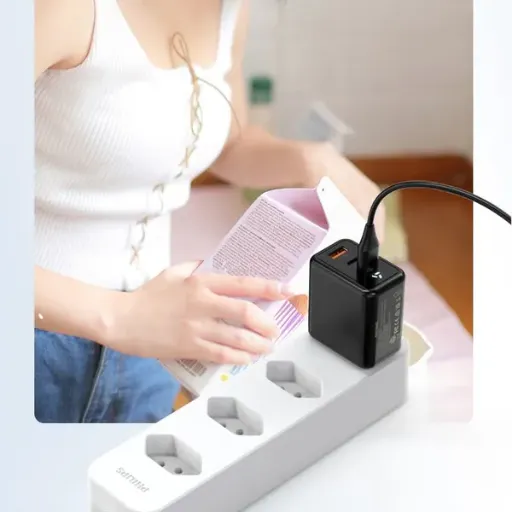
Quick Charge is Qualcomm's proprietary fast-charging protocol. It lets a device negotiate higher voltage and current from a compatible adapter, cutting charge times compared to standard 5V USB charging. Both QC3.0 and QC4.0 are backward-compatible with older Quick Charge versions, but they handle power delivery differently.
The core idea is simple: instead of forcing 5V at whatever current the cable allows, Quick Charge adapters can raise voltage to push more wattage through the same USB cable. Higher voltage at controlled current means faster charging without requiring thicker, more expensive cables.
For OEM buyers, the key question isn't "which is faster?" but "which protocol does my target device's chipset support, and what does that mean for my adapter design?" The answer depends on your end product, your customer base, and your certification budget.
Pro tip: Always verify which charging protocols your target devices support before specifying an adapter. A QC4.0 adapter costs more, but a QC3.0 adapter that can't charge half your customers' phones costs far more in returns.
Quick Charge 3.0: The Workhorse Protocol
QC3.0 launched in 2016 and remains one of the most widely deployed fast-charging standards in the market. It introduced Incremental INOV (Intelligent Negotiation for Optimum Voltage), which lets the adapter and device negotiate voltage in 200mV steps between 3.6V and 20V.
QC3.0 Voltage and Power Specifications
| Parameter | QC3.0 Specification |
|---|---|
| Voltage range | 3.6V – 20V (200mV increments) |
| Max current | 3A (via USB-A) |
| Max power | 18W (9V × 2A) or 36W (12V × 3A) typical |
| Typical profiles | 5V, 9V, 12V fixed; 3.6V–20V variable |
| Connector | USB-A (primary), USB-C possible |
| Backward compatibility | QC2.0, QC1.0, standard 5V |
The variable voltage step is QC3.0's standout feature. Unlike QC2.0, which jumped between fixed voltages (5V, 9V, 12V, 20V), QC3.0 can fine-tune voltage to match exactly what the device's battery management system requests at any given moment. This reduces conversion losses inside the phone and keeps the battery cooler during charging.
QC3.0 adapters are well-understood, widely available from multiple IC vendors, and relatively inexpensive to certify. The BOM cost for a QC3.0-capable adapter runs roughly 0.80–0.80–1.50 above a basic 5V adapter at volume, depending on output rating and enclosure type.
Want to see how this fits your adapter line? Browse our AC/DC power adapter range with QC3.0 and multi-protocol options.
Where QC3.0 Still Makes Sense
QC3.0 is the right choice when your target market uses devices with Snapdragon 600-series and older 800-series chipsets. It's also the better option when you need maximum compatibility with the installed base of USB-A cables and legacy accessories.
Many mid-range smartphones, Bluetooth speakers, power banks, and portable lighting products still ship with QC3.0 as their primary fast-charging protocol. If your end customers are cost-sensitive or primarily in emerging markets, QC3.0 delivers meaningful fast-charging speed without the complexity of newer protocols.
Quick Charge 4.0: The Next Generation
Qualcomm announced QC4.0 in 2016 alongside the Snapdragon 835 platform, but widespread adapter deployment didn't begin until 2018–2019. QC4.0 is a fundamentally different approach. It's built on top of USB Power Delivery (USB-PD) and adds Qualcomm's proprietary extensions for even faster charging.
QC4.0 Voltage and Power Specifications
| Parameter | QC4.0 Specification |
|---|---|
| Voltage range | 3.3V – 21V (20mV PPS steps) |
| Max current | 5A (via USB-C) |
| Max power | 27W (QC4.0) / 100W+ (QC4.0+ with PPS) |
| Typical profiles | 5V, 9V; PPS 3.3V–21V variable |
| Connector | USB-C only |
| Backward compatibility | QC3.0, QC2.0, USB-PD 3.0, standard 5V |
The most significant change is the mandatory use of USB-C. QC4.0 adapters must use USB-C to USB-C cables and implement the USB-PD protocol stack. This isn't a choice. It's a requirement. The USB-C connector's additional CC pins enable the bidirectional communication that USB-PD and QC4.0 need for safe power negotiation.
QC4.0 also introduces support for PPS (Programmable Power Supply), a USB-PD 3.0 feature that allows voltage adjustment in 20mV increments. This is ten times finer than QC3.0's 200mV steps, enabling more precise thermal management and faster charging without battery stress.
For OEMs, QC4.0 adapters require a USB-PD controller IC in addition to or instead of a standalone Quick Charge controller. This adds BOM cost, typically 1.50–1.50–3.00 above a basic 5V adapter at volume, depending on power rating and whether you implement full PPS.
Dual-Charge and Thermal Management
QC4.0 introduced Dual Charge technology, which splits the incoming power across two charge management ICs inside the phone. This spreads heat generation across a larger area of the PCB, allowing sustained higher charge rates without thermal throttling.
In practice, this means a QC4.0 device can maintain peak charging speed for longer before the phone's thermal management ramps down current. The result is genuinely faster real-world charging, not just higher peak numbers that last 30 seconds before throttling.
QC3.0 vs QC4.0: Side-by-Side Comparison
| Specification | Quick Charge 3.0 | Quick Charge 4.0 |
|---|---|---|
| Max power | 18W–36W | 27W–100W+ |
| Voltage granularity | 200mV steps | 20mV PPS steps |
| Connector | USB-A (primary) | USB-C (mandatory) |
| Cable requirement | USB-A to device | USB-C to USB-C |
| Underlying protocol | Proprietary Qualcomm | USB-PD 3.0 + Qualcomm extensions |
| PPS support | No | Yes |
| Dual Charge | No | Yes |
| Typical charge time (0–50%) | ~30 minutes (3,000mAh battery) | ~15 minutes (3,000mAh battery) |
| BOM cost delta vs 5V adapter | 0.80–0.80–1.50 | 1.50–1.50–3.00 |
| Certification complexity | Moderate | Higher (USB-IF + Qualcomm) |
| Device compatibility | Wide (older Snapdragon, many Android phones) | Newer Snapdragon 835+, USB-PD devices |
The table makes the trade-off clear. QC3.0 wins on cost, compatibility, and supply chain maturity. QC4.0 wins on peak power, thermal efficiency, and future-proofing. Your choice depends on which of those factors matter most for your product and market.
Ready to test the difference? Request a free sample of both QC3.0 and QC4.0 adapter designs to evaluate against your device portfolio.
What the Protocol Choice Means for Your BOM and Certification
The voltage step granularity difference between QC3.0 and QC4.0 isn't just a technical detail. It changes your adapter's internal architecture, your test requirements, and your certification path.
Controller IC Selection
QC3.0 adapters typically use a single dedicated Quick Charge controller IC from vendors like Weltrend, Richtek, or ON Semiconductor. These ICs handle the INOV negotiation and voltage regulation in one package.
QC4.0 adapters require a USB-PD controller that also supports PPS. Common choices include the Cypress CCG3, Richtek RT7202, or Weltrend WT6636. These ICs are more complex, require firmware configuration, and must pass USB-IF compliance testing before you can use the USB-C logo.
The IC cost difference is roughly 0.30–0.30–0.80 at volume. The bigger cost is the engineering time to configure and validate the PD firmware, which can add 2–3 weeks to your development timeline.
When Maria's team at a Mexico City electronics distributor specified QC4.0 adapters for their private-label power bank line in early 2025, they budgeted for the controller IC premium but missed the firmware validation cost. Their factory's first submission failed USB-IF compliance testing because the PPS voltage steps were out of tolerance at the edges of the range.
Re-spinning the firmware and re-testing added $4,200 and six weeks to the project. The lesson: QC4.0's tighter voltage granularity demands tighter manufacturing tolerance, and that tolerance must be verified, not assumed.
Certification Path and Cost
QC3.0 adapters require Qualcomm Quick Charge certification if you want to use the Quick Charge logo on packaging. The test covers voltage step accuracy, protocol handshake timing, and safety boundary conditions. Budget roughly $3,000–$5,000 for initial certification, plus annual maintenance.
QC4.0 adapters require both Qualcomm Quick Charge certification AND USB-IF compliance testing for USB-PD and PPS. The USB-IF test is more extensive, covering signal integrity, power negotiation, cable compatibility, and safety state machines. Budget 5,000–5,000–8,000 for the combined certification stack.
If you're shipping to markets with efficiency regulations, both protocols must also meet:
DOE Level VI (U.S.): No-load power ≤ 0.21W for adapters above 49W
ErP Tier V (EU): Standby power and active-mode efficiency requirements
CoC Tier 2 (EU): Additional no-load and load efficiency targets
The good news: a well-designed QC4.0 adapter typically meets all the same efficiency standards as a QC3.0 adapter. The protocol itself doesn't change the adapter's fundamental efficiency profile. The AC/DC conversion stage, transformer design, and synchronous rectification choices matter far more for efficiency than the output protocol.
Thermal Design Considerations
Higher peak power means more heat to dissipate. A 27W QC4.0 adapter generates roughly 50% more internal heat than an 18W QC3.0 adapter at full load. This affects enclosure size, ventilation, and whether you need a fan or can stay fanless.
For wall-mount adapters in sealed enclosures, this is a real constraint. A 27W QC4.0 adapter may require a larger housing or better thermal interface material to keep internal temperatures within safe limits. For desktop adapters with more surface area, the difference is less critical.
USB-C, USB-PD, and the Protocol Stack Confusion
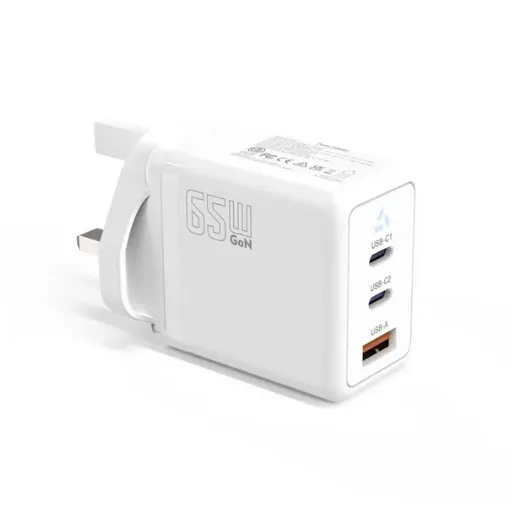
One of the biggest sources of confusion for OEM buyers is the relationship between Quick Charge, USB-C, and USB Power Delivery. These aren't the same thing, and misunderstanding the hierarchy leads to expensive specification errors.
USB-C is a physical connector standard. It defines the shape of the plug, the pin assignments, and the cable requirements. USB-C doesn't define how much power flows through the connector. You can have a USB-C port that delivers only 5V at 1A.
USB Power Delivery (USB-PD) is a power negotiation protocol. It runs over the USB-C connector's CC pins and allows devices to request specific voltage and current profiles. USB-PD 3.0 added PPS for fine-grained voltage control.
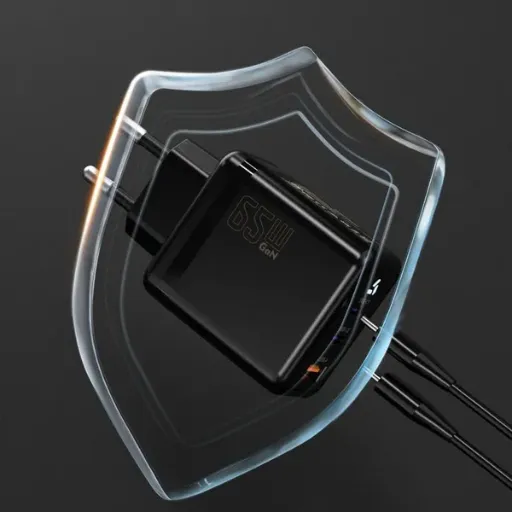
Quick Charge 4.0 is Qualcomm's protocol layer that sits on top of USB-PD. A QC4.0 adapter must implement USB-PD 3.0 with PPS, then add Qualcomm's proprietary handshake and power profile extensions. The device identifies the adapter as QC4.0-capable through a vendor-defined message in the PD communication.
This means:
All QC4.0 adapters are USB-PD adapters
Not all USB-PD adapters are QC4.0 adapters
A USB-C port without PD support can't run QC4.0
QC3.0 doesn't require USB-C or USB-PD
For OEM buyers, the practical implication is clear. If you specify QC4.0, you're also specifying USB-C and USB-PD. Your adapter must pass both protocol test suites. Your cable must be USB-C to USB-C and support the current rating you intend to deliver.
Which Protocol Should You Choose for Your Product?
The QC3.0 vs QC4.0 decision comes down to five factors: your target devices, your market position, your cost targets, your certification timeline, and your product lifespan.
Choose QC3.0 When:
Your end devices primarily use Snapdragon 600-series or older 800-series chipsets
Your customers are in cost-sensitive markets where USB-A cables remain dominant
You need the fastest time-to-market with minimal certification risk
Your product is a power bank, Bluetooth speaker, or mid-range accessory where 18W is sufficient
You're refreshing an existing product line and want to maintain backward compatibility
Choose QC4.0 When:
Your end devices use Snapdragon 835 or newer chipsets
Your customers expect USB-C as the default connector
Your product is a premium smartphone, laptop, or high-end power bank
You need 27W+ output to support larger batteries or faster charge times
Your product roadmap extends 3+ years and you want maximum future-proofing
When the product team at a Rotterdam-based e-bike accessories brand evaluated QC3.0 vs QC4.0 for their handlebar-mounted phone charger in 2024, they initially leaned toward QC3.0 for cost reasons. Then they surveyed their customer base: 73% of respondents used phones released in 2022 or later, and USB-C was already the connector on 89% of those devices.
They switched to QC4.0 with a 27W output, targeted at the USB-C phone mount market. The slightly higher BOM cost was offset by a 22% higher retail price point, and customer satisfaction scores on charging speed improved measurably. The specification decision wasn't about the protocol itself. It was about what their customers already owned.
Multi-Protocol Adapters: The Best of Both Worlds?
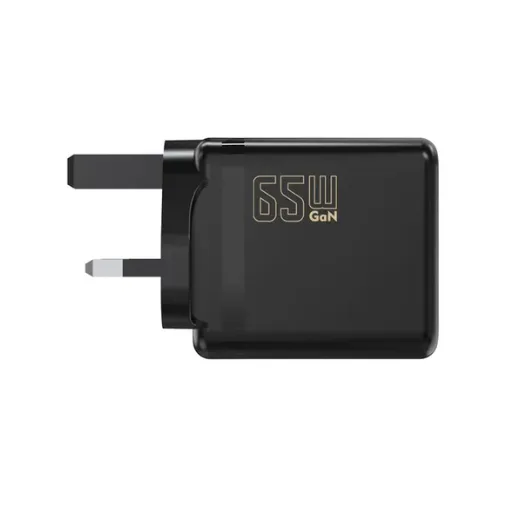
Some adapter designs support both QC3.0 and QC4.0 (via USB-PD with PPS) simultaneously. These multi-protocol adapters detect what the connected device supports and negotiate the appropriate protocol automatically.
This sounds ideal, and for some product categories it is. But multi-protocol support comes with trade-offs:
Higher BOM cost: You're paying for two protocol controller implementations
More complex firmware: The adapter must handle fallback logic between protocols
Longer certification: Both Qualcomm and USB-IF test suites must pass
Larger PCB footprint: More components mean a larger or denser board
For OEMs shipping 50,000+ units, the per-unit cost delta of multi-protocol support may be worth the broader compatibility. For smaller runs or single-purpose products, choosing one protocol and doing it well is usually the smarter move.
Anenerge's OEM/ODM services support both single-protocol and multi-protocol adapter designs. Our engineering team can evaluate your device compatibility requirements and recommend the most cost-effective controller configuration.
Common Specification Mistakes OEM Buyers Make
After years of building Quick Charge adapters for brand owners across Europe, the Americas, and Southeast Asia, we see the same specification errors repeat:
Mistake 1: Specifying QC4.0 but shipping USB-A ports. QC4.0 requires USB-C. A USB-A port can't negotiate USB-PD or PPS. If your product has USB-A output, QC3.0 is your ceiling.
Mistake 2: Ignoring cable current rating. A QC4.0 adapter rated at 27W (9V × 3A) requires a cable rated for 3A. Standard USB-C cables without an e-marker chip are typically rated for 3A. Cables with e-marker chips support 5A. Verify your cable supplier's rating matches your adapter output.
Mistake 3: Skipping the USB-IF compliance test. Some factories claim "USB-PD compatible" without passing the official compliance test. Non-compliant adapters may work with some devices and fail with others. The USB-IF test exists to prevent exactly this interoperability problem.
Mistake 4: Undersizing the thermal design. A 27W adapter in a 18W thermal envelope will overheat and throttle, or worse, trigger safety shutdowns. Always validate thermal performance at maximum sustained load in your target enclosure.
Mistake 5: Assuming backward compatibility covers all cases. QC4.0 adapters are backward-compatible with QC3.0 devices, but they fall back to QC3.0 negotiation. You won't get USB-PD PPS benefits on a QC3.0-only phone. Set customer expectations accordingly.
How Anenerge Approaches Quick Charge Adapter Design
We have built Quick Charge adapters since QC2.0 was the new standard. Our approach:
We review your target device list and identify the dominant charging protocols
Our engineering team proposes a controller and topology matched to your power and protocol requirements
We build engineering samples with documented charge negotiation behavior
You validate samples against your target devices under real conditions
We manage Qualcomm and USB-IF certification on your behalf
Production ships with 100% functional test, 100% high-voltage isolation test, and current certification documents
Our standard AC/DC power adapter platform covers 5W to 240W with QC3.0, QC4.0, USB-PD, and multi-protocol options. All designs ship with the full certification stack: CCC, UL, TUV, UKCA, CB, CE, SAA, and DOE Level VI.
Conclusion: The Protocol Is a Means, Not the End
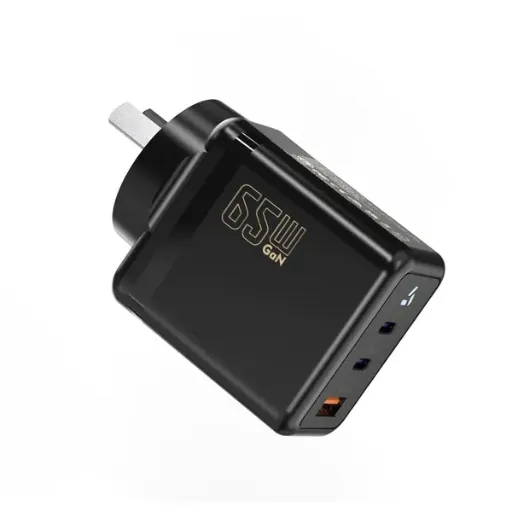
The QC3.0 vs QC4.0 debate matters, but it isn't the most important decision in your adapter specification. What matters more is matching the protocol to your customers' devices, your thermal envelope, your cost target, and your certification timeline.
QC3.0 remains a valid, cost-effective choice for a huge swath of the market. It's proven, widely compatible, and inexpensive to implement. QC4.0 is the right call when your customers demand USB-C, when you need higher peak power, or when you're building a premium product with a 3+ year lifespan.
The three takeaways for OEM buyers:
Know your customers' devices before you choose a protocol
Budget for certification beyond the controller IC cost
Validate thermal performance at sustained max load, not just peak numbers
Start Your OEM Quote — tell us your target device list, output power, and connector requirements. Our engineering team will recommend the right Quick Charge protocol and return a sample timeline within 24 hours.
Recently Posted
-
Why Is My Phone Charging Slowly? Causes and Fixes
June 22, 2026At 7:45 a.m., Maya plugged her phone into the charger she grabbed from the hotel nightstand. By 8:30, the battery had climbed from Read More
 -
Fast Charging vs Normal Charging: OEM Engineering Guide
June 22, 2026Last year, a European e-bike brand shipped 5,000 units with a 4A fast charger as a premium upgrade. Six months later, their warran Read More
 -
How to Make Charging Faster: A Technical Guide for OEM Brand Owners
June 22, 2026When Elena, product manager at a Rotterdam e-bike brand, launched her 48V commuter line in spring 2026, she thought 6 hours on a s Read More
 -
Does Fast Charging Damage Battery? What OEM Buyers Need to Know
June 22, 2026Yes, fast charging can damage batteries when current exceeds the cell's thermal and electrochemical limits. The damage shows u Read More

Contact Us
Recommended Products
-
 65W USB-C GaN Wall Charger PD Fast Charging Adapter EU US Plug for Laptop Smartphone and TravelUS$ 6MOQ: 100 Pieces
 -
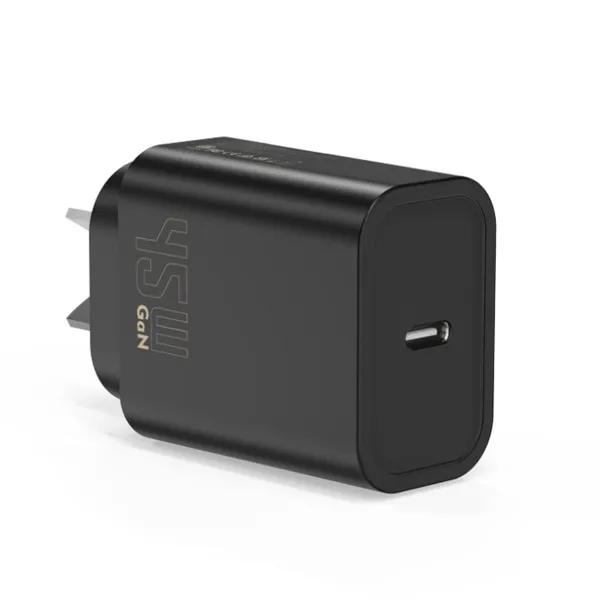
45W GaN USB-C Fast Charger JP Plug PD Wall Charging Adapter for IPhone MacBook and TabletsUS$ 8MOQ: 100 Pieces
-
QC3.0 30W USB Fast Charger With 18W Quick Charge Wall Adapter for Android and Mobile DevicesUS$ 4MOQ: 100 Pieces
-
Compact 18W Quick Charge 3.0 USB Charger 30W Fast Charging Adapter EU US Plug for TravelUS$ 2MOQ: 100 Pieces
-
30W USB-C and USB-A PD Fast Charger Compact Wall Adapter for IPhone Samsung and IPadUS$ 3MOQ: 100 Pieces
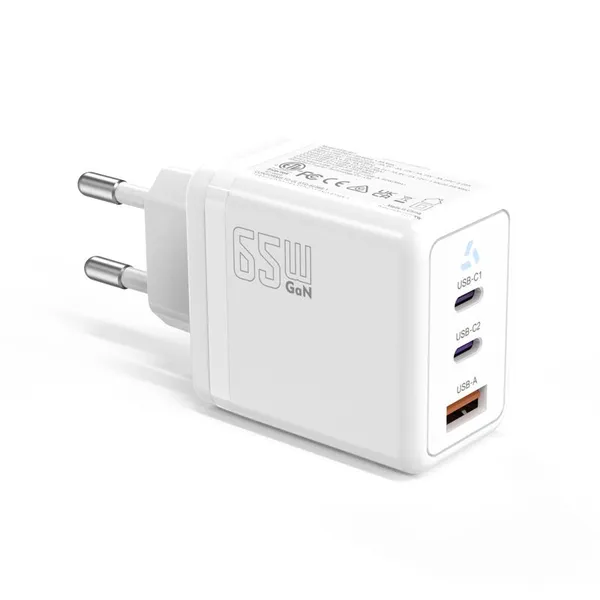
-
35W Dual USB-C PD Charger Fast Charging Adapter for IPhone Samsung IPad and USB-C DevicesUS$ 3MOQ: 100 Pieces
-
65W USB-C GaN Charger EU Plug Fast Charging Adapter 65W USB-C PD Fast Charge Wall Charger Power Adapter for Macbook ProUS$ 5MOQ: 100 Pieces
-
65W GaN USB-C Fast Charger PD Wall Charging Adapter for Laptop IPhone and Mobile DevicesUS$ 5MOQ: 100 Pieces
-
100W GaN USB-C Fast Charger With PD 3.0 for Laptop, MacBook, IPhone & Multi-Device ChargingUS$ 12MOQ: 100 Pieces
-
45W GaN USB-C Fast Charger EU AU PD Fast Wall Charging Adapter for IPhone Tablets With CE REACH PassedUS$ 8MOQ: 100 Pieces
-
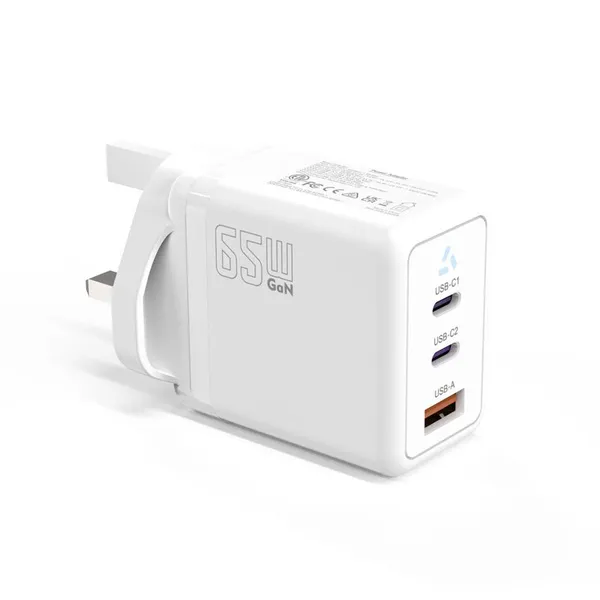
QC3.0 65W GaN USB C Super Fast Charger With UKCA 3 Ports PD 3.0 GaN Charger for Iphone Macbook SamsungUS$ 10MOQ: 100 Pieces
-
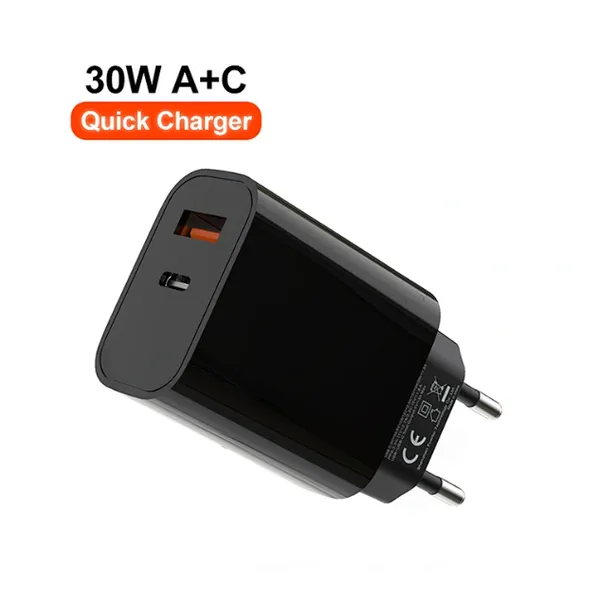
30W USB-C and USB-A GaN QC3.0 Fast Charging Adapter PD Fast Charger Compact Wall Adapter for IPhone Samsung and IPadUS$ 3MOQ: 100 Pieces
-
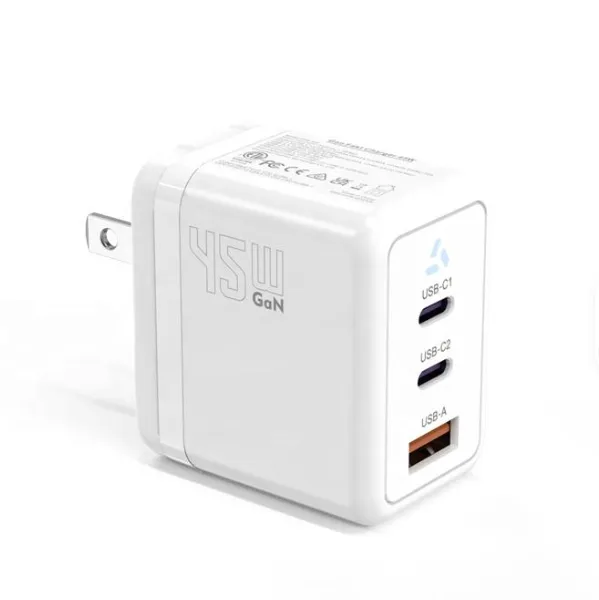
45W GaN USB-C Fast Charger With Dual Type-C and USB-A Ports PD Wall Charging AdapterUS$ 8MOQ: 100 Pieces
-
Dual USB C Ports QC3.0 30W Fast Charger With EU UK AU US USB-C PD Wall Chargeer 30W PD Power AdapterUS$ 3MOQ: 100 Pieces
-
Compact 65W GaN USB-C Wall Charger With Dual USB-C Ports and USB-A Fast Charging Adapter With CE UKCA ETL SAAUS$ 10MOQ: 100 Pieces
-
QC3.0 Fast Charging Adapter PD30W USB-C USB-A GaN PD Fast Charger PD 3.0 GaN Charger Compact Wall Adapter for IPhone Samsung and IPadUS$ 3MOQ: 100 Pieces
-
12V 5A 60W US EU AC DC Adapter LED Driver LED SMPS AC to DC Switching Power SupplyUS$ 5 - 7MOQ: 50 Pieces
-
CE FCC CUL SAA KC PSE 24Vdc 48W Switching Power Supply AdaptersUS$ 5 - 7MOQ: 50 Pieces
-
CE GS UKCA SAA CUL Qualified Waterproof Switching Power Supply Ip68 PSE UL SAA GS 12V 2AUS$ 3 - 6MOQ: 50 Pieces
-
12V 1A Factory OEM Waterproof AC Adapter for Laser Light Table Lamp ac dc Adaptor With TUV CE GS for EU MarketUS$ 5 - 7MOQ: 50 Pieces