
 Business License
USB C Charging Wattage: What OEM Buyers Need to Know Before Specifying a PD Adapter
A 65W USB-C charger and a 65W USB-C charger are not the same thing. Same number on the label. Entirely different behavior in the field.
When the procurement team at Nexa Mobility swapped their 65W generic adapter for a 65W USB-C PD charger with proper PPS support, their e-scooter fleet's charge time dropped by 22 minutes per unit. The wattage didn't change. The charging protocol did.
This is the reality most buyers miss. USB C charging wattage is only half the story. The other half is how that wattage gets negotiated, delivered, and sustained across the charge cycle. For OEM brand owners sourcing USB-C power adapters for laptops, tablets, IoT gateways, or light electric vehicles, getting the wattage right means understanding the full USB Power Delivery (PD) stack — not just reading the biggest number on the box.
This guide walks through what USB-C charging wattage actually means, how USB PD profiles work, why rated wattage and delivered wattage diverge, and the specifications OEM buyers should verify before placing a production order. It draws on Anenerge's experience building USB-C PD adapters from 18W to 100W for brands across Europe, North America, and Southeast Asia.
Why Wattage Alone Won't Tell You the Full Story
The wattage printed on a USB-C charger label — 18W, 30W, 65W, 100W — is a peak number. It represents the maximum the adapter can deliver under ideal conditions: the right input voltage, the right cable, the right device handshake, and the right temperature. In practice, actual delivered power fluctuates throughout the charge cycle.
USB Power Delivery negotiates voltage and current dynamically. A 65W charger doesn't simply push 65W continuously. It might deliver 20V at 3.25A during the bulk charging phase of a laptop battery, then drop to 5V at 0.5A during trickle charge. The wattage at any given moment depends on what the device requests, what the cable can carry, and what the adapter's thermal envelope allows.
For OEM buyers, this means two critical things. First, specifying a charger by wattage alone isn't enough. You need the full voltage/current profile and the supported PD profiles. Second, the device firmware, cable quality, and connector rating all determine whether the rated wattage ever actually reaches the battery.
Engineering note: USB PD 3.1 extends power levels up to 240W (48V at 5A) with Extended Power Range (EPR). Most consumer and light-industrial applications today use Standard Power Range (SPR): up to 100W (20V at 5A). Verify which range your application requires before specifying.
USB Power Delivery Profiles and What Each Wattage Level Means
USB PD defines power profiles in discrete steps. Each profile specifies a voltage and maximum current. The adapter and device negotiate the highest mutually supported profile at connection time.
| PD Profile | Voltage | Max Current | Max Power | Typical Applications |
|---|---|---|---|---|
| 5V | 5V | 3A | 15W | Low-power IoT, wearables, basic phones |
| 9V | 9V | 3A | 27W | Mid-range smartphones, tablets |
| 12V | 12V | 3A | 36W | Small laptops, tablets, monitors |
| 15V | 15V | 3A | 45W | Ultrabooks, compact laptops |
| 20V | 20V | 3A | 60W | Standard laptops, docking stations |
| 20V | 20V | 5A | 100W | High-performance laptops, workstations |
| 28V (EPR) | 28V | 5A | 140W | Gaming laptops, high-wattage devices |
| 36V (EPR) | 36V | 5A | 180W | Industrial equipment, high-power tools |
| 48V (EPR) | 48V | 5A | 240W | Workstation-class devices, e-mobility |
(Source: USB PD Specification Rev. 3.1, USB-IF)
The key insight for OEM buyers: your device's battery management system (BMS) and charge controller determine which profile gets selected. A 100W charger connected to a phone that only requests 9V at 2A will deliver 18W, not 100W. The charger's capable of more, but the device doesn't ask for it.
This is why matching the charger's PD profile support to your device's charge-controller capability matters more than chasing the highest wattage number. Anenerge's USB-C PD adapters are configurable across SPR profiles, with optional EPR support for applications that need it.
How to Match USB-C Charger Wattage to Your Application
Selecting the right USB-C charging wattage starts with your device's power budget. Not the battery capacity — the power budget. This includes the device operating power, the battery charge rate, and any headroom for peak loads.
Smartphones and Portable Devices
Most modern smartphones charge at 18W to 30W via USB PD. Flagship models with proprietary fast-charging protocols may pull 45W to 65W, but these often use vendor-specific extensions beyond standard PD. If you're building a generic accessory or replacement charger, 18W to 30W USB PD is the safe specification. It covers the broadest device range without overspending on unused capability.
Tablets and Small Laptops
Tablets and compact laptops (11–13 inch) typically need 30W to 45W. A 30W adapter (15V at 2A or 20V at 1.5A) handles light use and charging simultaneously. A 45W adapter (15V at 3A or 20V at 2.25A) provides margin for peak CPU loads while maintaining charge progress.
Standard Laptops and Workstations
Full-size laptops need 65W to 100W. A 65W adapter (20V at 3.25A) is the industry standard for 14–15 inch business laptops. A 100W adapter (20V at 5A) supports performance notebooks and mobile workstations. USB PD 3.1 EPR extends this to 140W–240W for gaming laptops and specialized industrial equipment.
IoT Gateways, Routers, and Embedded Systems
These devices often run continuously on USB-C power but don't contain large batteries. The wattage requirement is driven by the device operating power, not charging speed. A typical router or gateway draws 5W to 15W.
Specifying a 45W or 65W charger here wastes cost and efficiency. Match the adapter to the actual load profile.
Light Electric Vehicles and E-Mobility
E-bikes and e-scooters with USB-C charging are an emerging category. Battery voltages (36V, 48V, 52V) far exceed USB PD's native range. These systems use a USB-C PD input at 20V or 28V, then boost the voltage internally to match the battery pack.
The USB-C side wattage (65W–100W) becomes the bottleneck. For a 48V 10Ah pack, a 100W USB-C input translates to roughly 2A effective charge current. That's slow compared to dedicated 48V 3A or 5A chargers, but it's acceptable for portable or travel scenarios.
Want to see how the right USB-C PD profile can cut charge time without changing the adapter wattage? Browse our USB-C PD adapter range and request a profile configuration guide for your device voltage.
PPS, EPR, and Programmable Power: Why the Protocol Layer Matters
USB PD 3.0 introduced Programmable Power Supply (PPS), a feature that lets the device request arbitrary voltage and current combinations within a range, rather than fixed profiles. PPS enables finer-grained charge control, which matters for battery longevity and thermal management.
For example, instead of stepping from 5V to 9V to 15V in discrete jumps, a PPS-enabled charger can deliver 8.2V at 2.5A — exactly what the device's charge controller requests. This reduces conversion losses, lowers heat generation, and can extend cell cycle life by 15–20% versus fixed-profile charging.
USB PD 3.1 added Extended Power Range (EPR), extending voltage to 28V, 36V, and 48V at up to 5A. EPR requires EPR-capable cables rated to handle the higher voltage and current. Standard USB-C cables are not EPR-rated. This is a common sourcing mistake: buyers order 240W EPR adapters but ship them with standard cables that can't carry more than 60W (3A at 20V).
| Feature | Standard Power Range (SPR) | Extended Power Range (EPR) |
|---|---|---|
| Max voltage | 20V | 48V |
| Max current | 5A | 5A |
| Max power | 100W | 240W |
| Cable requirement | Standard USB-C (3A) or 5A-rated | EPR-specific cable required |
| Connector | Standard USB-C | Standard USB-C (reinforced for EPR) |
| Typical use | Phones, laptops, tablets, IoT | Gaming laptops, high-power tools, industrial |
For OEM buyers, the decision tree is straightforward. If your device needs ≤100W and uses standard USB-C, SPR is sufficient. If you need >100W or want to future-proof a product roadmap, EPR is the path — but you must specify EPR-rated cables in the BOM and verify the cable supplier's certification.
The Gap Between Rated Wattage and Real-World Charging Speed
When Maria, a product manager at a Rotterdam-based e-bike brand, evaluated USB-C charging for a new compact urban scooter, she specified a 65W USB-C PD adapter. The math seemed simple: 65W divided by 36V battery voltage equals roughly 1.8A charge current. Acceptable for a travel charger.
What she didn't account for was the efficiency loss in the onboard boost converter. The scooter's BMS boosted the 20V USB-C input to 36V for the battery. That conversion costs 8–12% in efficiency.
The 65W adapter delivered closer to 57W at the battery terminals. Effective charge current dropped to 1.6A. A full charge of the 10Ah pack took over 6 hours — too slow for rental fleet turnaround.
The lesson: rated adapter wattage is the starting point, not the endpoint. Conversion efficiency, cable losses, thermal throttling, and BMS overhead all eat into the number on the label. For production specifications, Anenerge recommends derating by 15–20% when calculating real-world charge current. If you need 2A effective at the battery, specify an adapter that can deliver at least 2.4A equivalent at the USB-C port.
Cable Quality and Connector Rating: The Hidden Variables
USB-C cables are not interchangeable when it comes to power delivery. Three variables determine how much wattage actually flows:
Current rating: Standard cables carry 3A. High-current cables carry 5A. The cable's internal wire gauge and the e-marker chip determine this. A 3A cable connected to a 100W (20V/5A) adapter will negotiate down to 60W (20V/3A).
Voltage rating: SPR cables are rated to 20V. EPR cables are rated to 48V. Using a standard cable with an EPR adapter is a safety risk and a compliance failure.
Length and wire gauge: Longer cables (2m+) with thin wire gauges (28AWG or higher) introduce voltage drop. A 20V signal can drop to 18.5V at the device end under 3A load. The device sees less voltage and may negotiate a lower power profile.
For OEM buyers, the cable is part of the power system, not an afterthought. Specify the cable current rating, e-marker presence, and length in your BOM. Verify the cable supplier has independent safety certification (UL, TUV, or equivalent). Anenerge supplies matched cable assemblies certified to the same standard as the adapter, eliminating the mismatch risk.
Certifications and Compliance for USB-C PD Chargers
USB-C PD chargers face a dual compliance challenge: they must meet USB-IF certification requirements for protocol interoperability, and they must meet regional safety and efficiency standards for the underlying AC/DC power supply.
USB-IF Certification
The USB Implementers Forum (USB-IF) runs a certification program for USB-C and USB PD products. A certified product appears in the USB-IF product database and can use the certified USB logo. Certification tests include:
Protocol compliance (correct PD message sequencing)
Electrical testing (voltage tolerance, current limit accuracy)
Interoperability testing (behavior with reference devices)
Cable and connector mechanical testing
USB-IF certification is not legally mandatory in most markets, but it is commercially essential. Retailers and distributors in the EU and U.S. increasingly require it. OEM brand owners selling through major channels should specify USB-IF certification as a requirement.
Regional Safety and Efficiency Standards
Beyond USB-IF, the AC/DC adapter portion must meet the same standards as any other power supply:
| Region | Safety Standard | Efficiency Standard |
|---|---|---|
| United States | UL 62368-1 | DOE Level VI (10 CFR 430) |
| European Union | EN 62368-1, EN 55032/35 | ErP Tier V |
| United Kingdom | UKCA (BS EN 62368-1) | ErP Tier V |
| Australia | SAA / RCM | AS/NZS 4665 |
| China | CCC (GB 4943.1) | CEC Tier 2 |
| International | CB Scheme (IEC 62368-1) | — |
Anenerge's USB-C PD adapter platform carries the full certification stack, including USB-IF TID registration, so brand owners can launch in multiple markets from a single SKU.
GaN vs. Silicon: Why Charger Technology Affects Effective Wattage
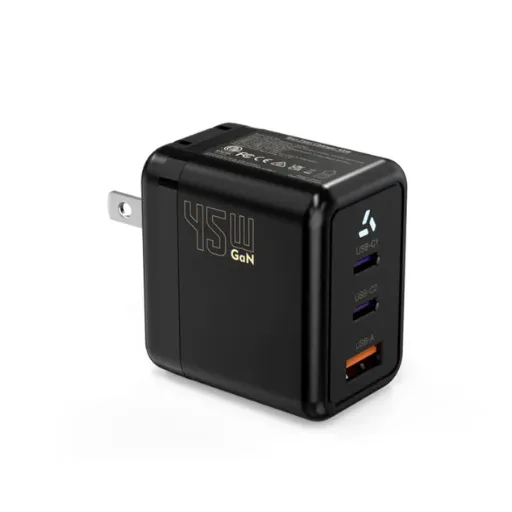
Gallium Nitride (GaN) power semiconductors have reshaped the USB-C charger market. Compared to traditional silicon MOSFETs, GaN devices switch faster, have lower on-resistance, and generate less heat. For a given wattage rating, a GaN charger is typically 30–40% smaller and 2–5% more efficient than its silicon equivalent.
That 2–5% efficiency gain matters at scale. For a 65W adapter running at 92% efficiency versus 88% efficiency, the difference is 4.8W less heat dissipation per unit. Across a production run of 50,000 units, that is 240kW less heat in the field — lower thermal stress on device enclosures, lower cooling requirements, and measurably lower energy bills for end users.
GaN also enables higher switching frequencies, which shrinks transformer and capacitor sizes. This is why a 100W GaN adapter can fit in a pocket when a 100W silicon adapter needs a desktop enclosure.
The trade-off: GaN devices cost more per unit than silicon. For cost-sensitive applications where size is not critical, silicon remains viable. For compact, high-wattage, or thermally constrained designs, GaN is the standard.
Anenerge builds USB-C PD adapters in both GaN and silicon platforms, selected based on the application's size, thermal, and cost constraints. Both platforms meet DOE Level VI and ErP Tier V efficiency requirements.
Six Specifications to Verify Before Ordering USB-C PD Adapters in Volume
1. PD Profile Support
Verify the adapter supports the exact voltage/current profiles your device needs. A charger that only supports 5V, 9V, and 15V won't charge a device that requests 20V. Request the PD source capability message dump — it lists every profile the adapter advertises.
2. PPS Support (If Required)
If your device uses PPS for granular charge control, verify the PPS voltage range and current step resolution. Some adapters claim PPS support but only offer coarse steps (0.5V increments). Fine-grained control requires 20mV or 40mV step resolution.
3. Cable Certification
Specify the cable current rating, e-marker presence, and length. For EPR applications, the cable must be EPR-rated and independently safety certified. Include the cable in your compliance documentation — customs inspectors in some markets check the whole power system, not just the adapter.
4. Efficiency at Realistic Load Points
Don't trust a single efficiency number. USB-C chargers operate across a wide load range. A 65W adapter might hit 93% efficiency at 65W but drop to 82% at 10W — and many devices spend most of their time at low load. Request efficiency curves at 25%, 50%, 75%, and 100% load, plus no-load power.
5. Thermal Performance and Derating
Adapter output capability drops as ambient temperature rises. Verify the derating curve: at what temperature does the adapter throttle from 65W to 45W? For outdoor or enclosed applications, this margin matters.
6. Certification Stack Completeness
Confirm current test reports for every market you plan to enter. USB-IF TID, UL, CE, UKCA, DOE Level VI — each requires its own documentation. Old reports from a previous design revision do not transfer to a new SKU.
Ready to test the difference? Request a free engineering sample of our USB-C PD adapter with your target profile configuration. Samples ship within 7 days with full test reports attached.
Common Mistakes OEM Buyers Make With USB-C Charger Wattage
Mistake 1: Specifying peak wattage without checking sustained wattage. Some adapters can hit 100W for 30 seconds before thermal throttling drops them to 60W. Your device spec should reference sustained output, not peak.
Mistake 2: Ignoring no-load power. A charger left plugged in 24/7 in a router or gateway application draws power continuously. DOE Level VI caps no-load at 0.21W for adapters above 49W. Generic adapters without Level VI certification can draw 0.5W to 1W — enough to matter in energy-conscious deployments.
Mistake 3: Assuming all USB-C cables are equal. They aren't. A 3A cable with a 100W adapter is a mismatch. An uncertified cable with an EPR adapter is a fire risk. Specify the cable as carefully as the adapter.
Mistake 4: Overlooking the e-marker. E-markers are small chips inside the cable that tell the adapter and device what the cable can handle. Without a functional e-marker, the system defaults to the lowest safe power level — often 5V at 3A (15W) regardless of what the adapter and device are capable of.
Mistake 5: Designing for today's wattage without roadmap headroom. USB PD 3.1 EPR is rolling out now. If your product platform will refresh in 2–3 years, designing in EPR compatibility today avoids a charger redesign later.
Conclusion: Wattage Is the Starting Point, Not the Specification
USB-C charging wattage tells you what an adapter can do at its peak. It doesn't tell you how it negotiates with your device, how efficiently it converts AC to DC, how it behaves under thermal stress, or whether it will pass customs in Rotterdam or Long Beach.
For OEM buyers and procurement engineers, the right approach is to specify backwards from the application: define the device's power budget, select the PD profiles that match, verify the cable and connector ratings, confirm the efficiency curves, and lock down the certification stack before the first sample ships.
When David, a procurement lead for a Singapore-based IoT brand, switched from specifying chargers by wattage alone to specifying by PD profile, efficiency curve, and certification stack, his RMA rate on power accessories dropped by 60% in one quarter. The adapters cost 8% more per unit. The total cost of ownership — including warranty returns, customs delays, and field replacements — dropped by 34%.
That's the difference between buying a wattage number and buying a power solution.
If you're specifying USB-C PD adapters for your product line, the next step is straightforward. Send us your device power budget, target PD profiles, and application environment. Our engineering team will propose a charger configuration with the right wattage, the right protocol support, and the right certification stack — and ship a validated sample within one week.
Recently Posted
-
Why Is My Phone Charging Slowly? Causes and Fixes
June 22, 2026At 7:45 a.m., Maya plugged her phone into the charger she grabbed from the hotel nightstand. By 8:30, the battery had climbed from Read More
 -
Fast Charging vs Normal Charging: OEM Engineering Guide
June 22, 2026Last year, a European e-bike brand shipped 5,000 units with a 4A fast charger as a premium upgrade. Six months later, their warran Read More
 -
How to Make Charging Faster: A Technical Guide for OEM Brand Owners
June 22, 2026When Elena, product manager at a Rotterdam e-bike brand, launched her 48V commuter line in spring 2026, she thought 6 hours on a s Read More
 -
Does Fast Charging Damage Battery? What OEM Buyers Need to Know
June 22, 2026Yes, fast charging can damage batteries when current exceeds the cell's thermal and electrochemical limits. The damage shows u Read More

Contact Us
Recommended Products
-
 65W USB-C GaN Wall Charger PD Fast Charging Adapter EU US Plug for Laptop Smartphone and TravelUS$ 6MOQ: 100 Pieces
 -
45W GaN USB-C Fast Charger JP Plug PD Wall Charging Adapter for IPhone MacBook and TabletsUS$ 8MOQ: 100 Pieces
-
QC3.0 30W USB Fast Charger With 18W Quick Charge Wall Adapter for Android and Mobile DevicesUS$ 4MOQ: 100 Pieces
-
Compact 18W Quick Charge 3.0 USB Charger 30W Fast Charging Adapter EU US Plug for TravelUS$ 2MOQ: 100 Pieces
-
30W USB-C and USB-A PD Fast Charger Compact Wall Adapter for IPhone Samsung and IPadUS$ 3MOQ: 100 Pieces
-
35W Dual USB-C PD Charger Fast Charging Adapter for IPhone Samsung IPad and USB-C DevicesUS$ 3MOQ: 100 Pieces
-
65W USB-C GaN Charger EU Plug Fast Charging Adapter 65W USB-C PD Fast Charge Wall Charger Power Adapter for Macbook ProUS$ 5MOQ: 100 Pieces
-
65W GaN USB-C Fast Charger PD Wall Charging Adapter for Laptop IPhone and Mobile DevicesUS$ 5MOQ: 100 Pieces
-
100W GaN USB-C Fast Charger With PD 3.0 for Laptop, MacBook, IPhone & Multi-Device ChargingUS$ 12MOQ: 100 Pieces
-
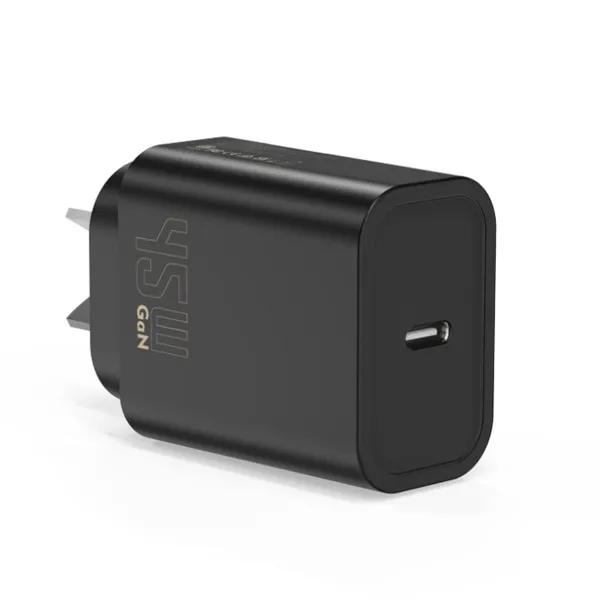
45W GaN USB-C Fast Charger EU AU PD Fast Wall Charging Adapter for IPhone Tablets With CE REACH PassedUS$ 8MOQ: 100 Pieces
-
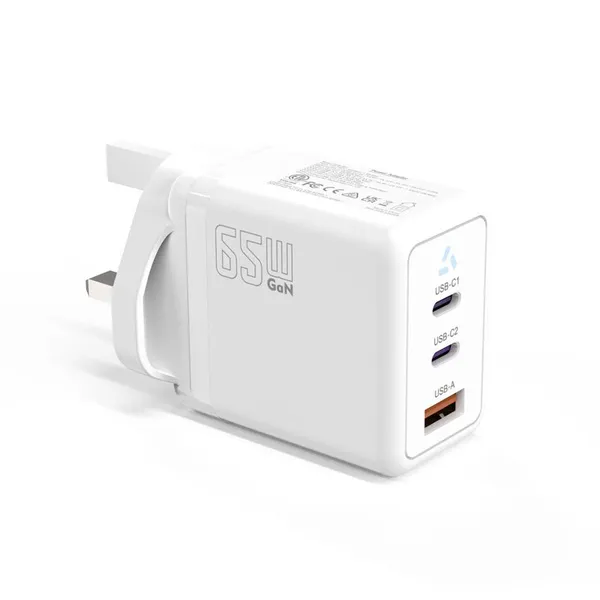
QC3.0 65W GaN USB C Super Fast Charger With UKCA 3 Ports PD 3.0 GaN Charger for Iphone Macbook SamsungUS$ 10MOQ: 100 Pieces
-
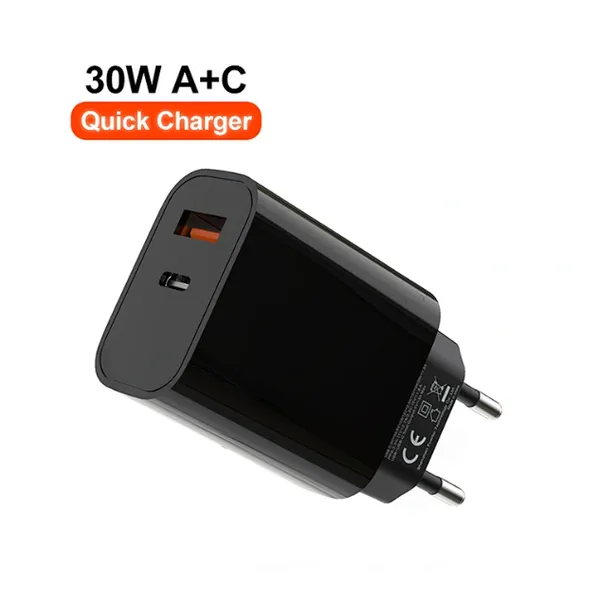
30W USB-C and USB-A GaN QC3.0 Fast Charging Adapter PD Fast Charger Compact Wall Adapter for IPhone Samsung and IPadUS$ 3MOQ: 100 Pieces
-
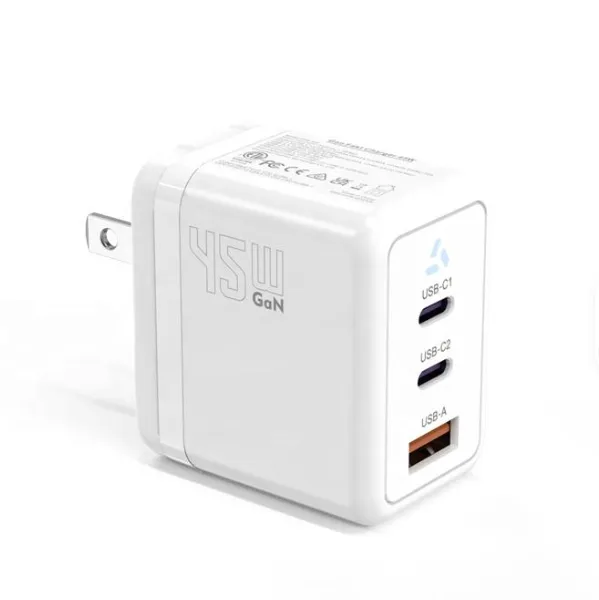
45W GaN USB-C Fast Charger With Dual Type-C and USB-A Ports PD Wall Charging AdapterUS$ 8MOQ: 100 Pieces
-
Dual USB C Ports QC3.0 30W Fast Charger With EU UK AU US USB-C PD Wall Chargeer 30W PD Power AdapterUS$ 3MOQ: 100 Pieces
-
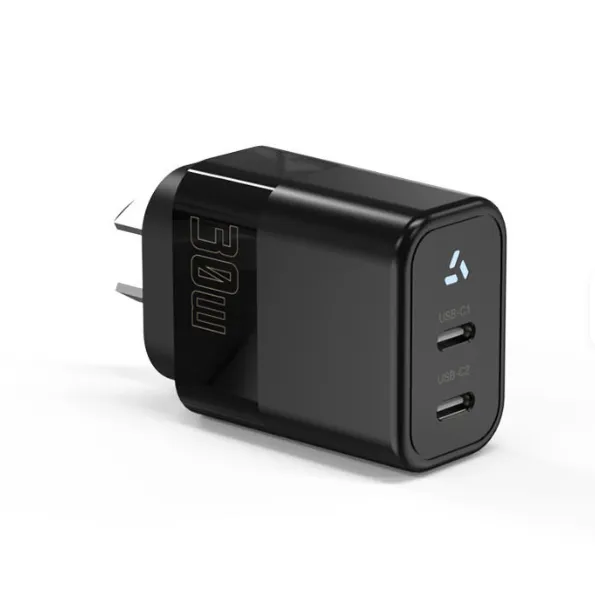
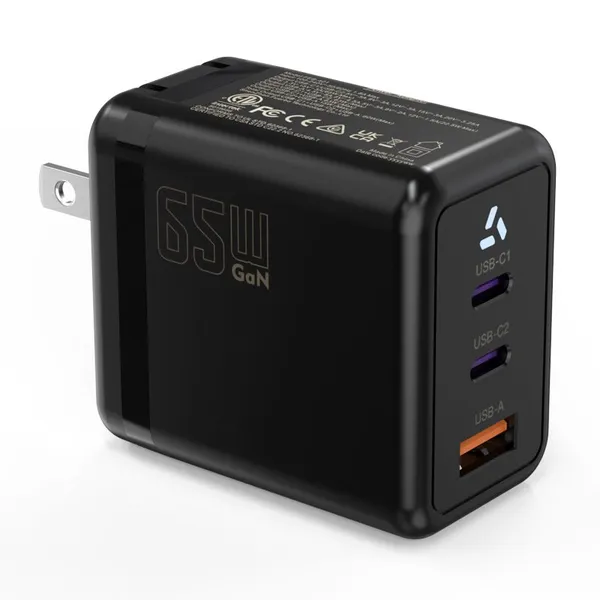
Compact 65W GaN USB-C Wall Charger With Dual USB-C Ports and USB-A Fast Charging Adapter With CE UKCA ETL SAAUS$ 10MOQ: 100 Pieces
-
QC3.0 Fast Charging Adapter PD30W USB-C USB-A GaN PD Fast Charger PD 3.0 GaN Charger Compact Wall Adapter for IPhone Samsung and IPadUS$ 3MOQ: 100 Pieces
-
12V 5A 60W US EU AC DC Adapter LED Driver LED SMPS AC to DC Switching Power SupplyUS$ 5 - 7MOQ: 50 Pieces
-
CE FCC CUL SAA KC PSE 24Vdc 48W Switching Power Supply AdaptersUS$ 5 - 7MOQ: 50 Pieces
-
CE GS UKCA SAA CUL Qualified Waterproof Switching Power Supply Ip68 PSE UL SAA GS 12V 2AUS$ 3 - 6MOQ: 50 Pieces
-
12V 1A Factory OEM Waterproof AC Adapter for Laser Light Table Lamp ac dc Adaptor With TUV CE GS for EU MarketUS$ 5 - 7MOQ: 50 Pieces