
 Business License
USB-C vs USB-A: How Connector Choice Shapes Your Power Adapter Design
The EU made USB-C mandatory for every device sold after December 28, 2024. If your product still ships with a USB-A barrel jack or a proprietary connector, you are now designing for a port that is legally obsolete in a market of 450 million consumers.
That is not a consumer inconvenience. It is a supply-chain and product-roadmap decision that affects your BOM, your certification stack, your packaging, and your warranty exposure.
This guide walks OEM brand owners and procurement engineers through the technical and commercial differences between USB-C and USB-A connectors in power adapter applications. You'll learn what USB Power Delivery (PD) actually delivers, when USB-A still has a role, and how to specify the right connector for your next product generation.
What physically separates USB-C from USB-A
USB-A has been the rectangular connector on laptops, wall chargers, and peripherals since 1996. It's orientation-dependent; insert it upside-down and it won't fit. It carries four pins: VBUS (+5V), D+, D-, and ground. Data and power travel over the same pins, and the connector was never designed to negotiate voltage above 5V or current above 900mA in its baseline form.
USB-C, introduced in 2014, is a 24-pin reversible connector. You can plug it in either way.
More importantly, its pin architecture is built for power negotiation. Dedicated Configuration Channel (CC) pins let the cable and the device talk to each other before power flows. The result: the adapter and the load agree on voltage, current, and role (source or sink) dynamically.
Here is a side-by-side comparison of the physical and electrical differences that matter to power adapter design:
| Specification | USB-A | USB-C |
|---|---|---|
| Pins | 4 | 24 |
| Reversible | No | Yes |
| Default voltage | 5V | 5V |
| Negotiated voltage | No | Yes (up to 48V with PD 3.1) |
| Max current (baseline) | 900mA | 3A |
| Max power (with BC 1.2) | 7.5W | 240W (with PD 3.1 EPR) |
| Power negotiation | Fixed | Dynamic via CC pins |
| Data + power simultaneously | Limited | Full-featured |
| Durability (rated insertions) | ~1,500 | ~10,000 |
What this means in practice: a USB-A adapter is a 5V source with a fixed output. A USB-C adapter is a programmable power supply that can deliver 5V, 9V, 12V, 15V, 20V, or even 28V/36V/48V depending on what the load requests. For an OEM designing a product that charges a battery or powers a board, that flexibility changes everything from your power architecture to your SKU count.
USB Power Delivery: why voltage negotiation matters
USB Power Delivery (PD) is the protocol that runs over USB-C's CC pins. It is not a feature of the cable alone, it requires a PD-capable source (your adapter), a PD-capable sink (your device), and an e-marked cable for higher currents.
The PD profile works in discrete voltage steps:
5V @ 3A = 15W (phones, small IoT devices)
9V @ 3A = 27W (tablets, larger phones)
12V @ 3A = 36W (small laptops, routers, monitors)
15V @ 3A = 45W (standard laptops)
20V @ 5A = 100W (high-performance laptops, gaming devices)
28V–48V @ 5A = 140W–240W (extended power range, high-end laptops, e-mobility accessories)
Your device tells the adapter what it needs. The adapter responds with what it can provide. If both agree, power flows at the negotiated voltage. If not, they fall back to 5V at a safe current.
Pro tip: Always verify that your USB-C adapter's PD profile matches your device's input requirements. A 20V PD adapter connected to a 9V-only device will negotiate down to 9V if both are spec-compliant, but a non-compliant adapter or cable can cause damage. Request the PD contract table from your adapter supplier before validating samples.
For OEM buyers, this means one USB-C PD adapter can replace multiple fixed-voltage adapters in your product line. A single 65W USB-C PD adapter with a 5V/9V/12V/15V/20V profile can power a router, a tablet, and a laptop — three SKUs collapsed into one.
What USB-C means for your product design and BOM
When Chen, a product manager at a Shenzhen-based IoT gateway brand, reviewed his adapter BOM in early 2025, he counted six separate SKUs. There was 5V/2A USB-A for the entry model, 12V/2A barrel for the Pro, 9V/2A for the portable variant, and three regional plug variants for each.
After switching to a single 30W USB-C PD adapter with multi-voltage output, his SKU count dropped to two: one adapter, two plug kits. His procurement team's forecasting error rate fell by 40%, and his warehouse halved its adapter safety stock.
This is the hidden value of USB-C PD for OEMs: SKU consolidation.
Beyond the BOM simplification, USB-C PD brings:
Faster charge times for end users. A device that charges at 5V/2A (10W) through USB-A can charge at 20V/3A (60W) through USB-C PD, six times faster, assuming the battery and thermal design can handle it. For e-bike display units, portable medical devices, and field routers, that difference in downtime is a competitive selling point.
Reduced cable and connector inventory. USB-C cables are standardized. You do not need to stock six barrel-plug sizes, two polarities, and three conductor gauges. One USB-C to USB-C cable covers the majority of your product line.
Future-proofing against regulatory change. The EU common charger directive (Directive 2022/2380) already mandates USB-C for phones, tablets, cameras, headphones, portable speakers, e-readers, keyboards, mice, and portable navigation systems. Laptops must comply by 2026. Other markets, India, Brazil, South Korea, are drafting similar rules. Designing USB-C into your product now prevents a costly redesign later.
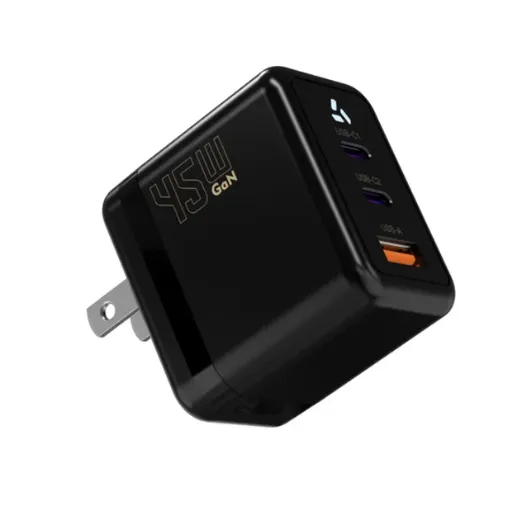
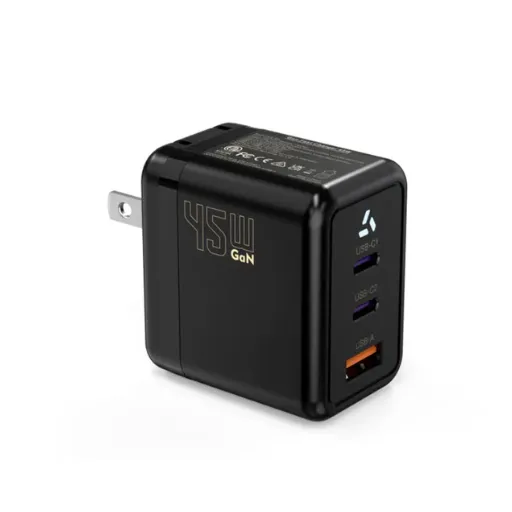
Smaller adapter size with GaN technology. Gallium Nitride (GaN) switches run at higher frequencies than traditional silicon MOSFETs, which means smaller magnetics and a smaller enclosure. A 65W GaN USB-C PD adapter is roughly 40% smaller than a 65W silicon USB-A adapter with a fixed output. That size reduction matters for travel kits, compact IoT gateways, and portable equipment.
When USB-A still makes sense in your product line
USB-C is not the right answer for every product. There are legitimate scenarios where USB-A remains the better choice:
Legacy product refreshes with minimal engineering budget. If you're shipping a mature product with a USB-A charging port and your next revision is a cost-down, not a redesign, keeping USB-A avoids a PCB re-spin and enclosure mold change. The savings in NRE can outweigh the connector advantage.
Price-sensitive markets where PD adds unnecessary cost. USB-C PD requires a PD controller IC in the adapter, a PD sink controller in the device, and an e-marked cable for currents above 3A. For a sub-$20 consumer product where every cent matters, a simple 5V/1A USB-A adapter may be the economically rational choice.
Applications that do not benefit from voltage negotiation. A 5V security camera, a 5V LED strip controller, or a 5V sensor node does not need 20V. If your entire product line runs at 5V and always will, USB-A with BC 1.2 (7.5W) or a fixed 5V USB-C cable may be sufficient.
Installed base compatibility. If your product serves an aftermarket where users already own USB-A chargers and cables, think replacement power for older networking gear or legacy POS terminals, forcing USB-C creates friction for the end customer.
The pragmatic approach for many OEMs is a transitional strategy: USB-C PD for new product platforms, USB-A for mature or cost-optimized lines, and a clear end-of-life date for USB-A based on your product roadmap and target markets. You're not forced to choose one or the other overnight.
Certification and compliance: what changes with USB-C
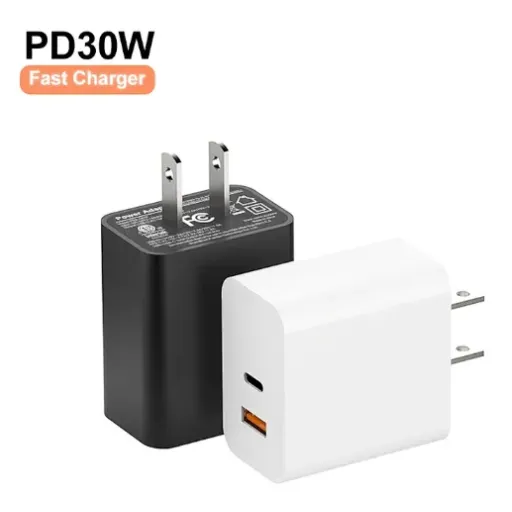
Switching from USB-A to USB-C does not just change the connector. It changes your certification path.
USB-IF certification. The USB Implementers Forum (USB-IF) runs a compliance program for USB-C and USB PD products. Certification is voluntary but strongly recommended. A USB-IF certified adapter carries a TID (Test ID) number that buyers and customs agents can verify. Uncertified adapters may work, but they carry interoperability risk and can fail in the field when paired with demanding sinks.
Safety re-certification. If your existing adapter is UL 62368-1 certified with a USB-A output, switching to USB-C with PD requires re-testing. The PD controller, the higher voltage levels, and the modified output stage all affect the safety evaluation. Plan for 4–6 weeks of additional certification time and budget for updated test reports.
Cable certification. USB-C cables are not all equal. A cable without an e-marker chip is limited to 3A and 20V (60W). For 100W or 240W operation, the cable must contain an e-marker that the PD source reads before enabling higher power. If you ship cables with your adapter, ensure they match the power level you are advertising. Shipping a 100W adapter with a 60W cable will lead to field failures and returns.
Regional compliance. The EU common charger directive is the most visible regulation, but it is not the only one. California's SB-244 (right-to-repair) and similar state laws increasingly require standardized, user-replaceable power interfaces. USB-C is the de facto standard those laws point to.
Anenerge's AC/DC power adapter lineup includes USB-C PD options from 18W to 100W, all with USB-IF compliance test reports, DOE Level VI efficiency certification, and the full global safety stack (UL, CE, UKCA, SAA, CCC). If you're refreshing a product line for USB-C compliance, we can provide the certification package alongside the adapter samples.
Choosing the right USB-C adapter for your application
Not every USB-C adapter fits every product. Here is how OEM buyers should specify:
Step 1: define your power need
Calculate your device's peak power draw, not average. If your board draws 2.5A at 12V during boot or charging, you need a 36W adapter minimum, but 45W is safer to avoid thermal throttling at the adapter. Add 20% headroom for long-term reliability.
Step 2: match the PD profile
Verify that the adapter's advertised PD profile includes the exact voltage your device needs. An adapter labeled "65W PD" may only offer 20V/3.25A. If your device needs 12V/3A, confirm 12V is in the profile and that the adapter can sustain 12V at 3A without sagging below 11.4V.
Step 3: verify cable compatibility
If you ship the cable, specify the e-marker requirement. For adapters above 60W, the cable must be e-marked. For adapters at 60W or below, a standard USB-C to USB-C cable is sufficient. If your device uses a captive cable (permanently attached), ensure the cable gauge can handle the current without excessive voltage drop.
Step 4: plan for thermal and mechanical constraints
USB-C PD adapters at 65W and above generate more heat than 5V USB-A adapters. Check the adapter's operating temperature range and derating curve. If your product operates in an enclosed space or at ambient temperatures above 40°C, you may need a higher-wattage adapter than the raw calculation suggests, or active cooling.
Step 5: confirm certification coverage
Before placing a production order, request:
Current USB-IF TID (if applicable)
Safety test reports for your target markets
Efficiency test reports (DOE Level VI, ErP Tier V, or ENERGY STAR Level V)
Cable e-marker test data (if shipping cables)
When Elena, a procurement engineer at a Dutch e-bike brand, switched her display unit from a 12V barrel adapter to a USB-C PD adapter, she assumed the CE marking on the old adapter would carry over. It didn't.
The PD controller changed the safety classification, and her notified body required a new EMC test. The delay cost her a six-week slot in her Chinese supplier's production schedule. The lesson: treat USB-C as a new design, not a connector swap, and start certification early.
The bottom line for OEM buyers
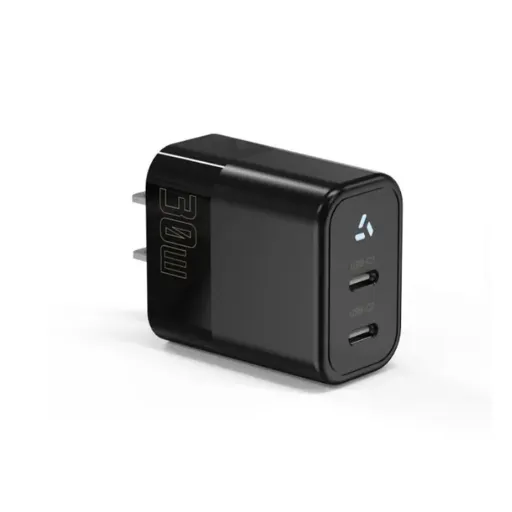
USB-C is not a trend. It is a regulatory mandate in the EU, an industry standard in laptops and tablets, and increasingly the default connector for any product that charges a battery or draws more than 10W. USB-A still has a place in low-cost, low-power, legacy applications, but its role is shrinking.
For OEM brand owners, the decision is not whether to adopt USB-C; it is when and how. A phased transition that maps USB-C PD to new product platforms while maintaining USB-A for cost-optimized SKUs is the strategy most large brands are following. The key is to align your connector choice with your product roadmap, your target markets, and your certification timeline.
Three principles to guide your decision:
Design USB-C into new products from day one. Retrofitting USB-C into an existing USB-A product is more expensive than designing it in from the start.
Match the PD profile to your device's actual power need. Do not overspecify a 100W adapter for a 15W device, the cost, size, and thermal footprint are unnecessary.
Treat certification as a parallel workstream, not a final step. USB-C PD changes your safety and EMC profile. Start certification conversations when you start engineering, not when the PCB is already in fabrication.
Anenerge's engineering team supports USB-C PD adapter development from 18W to 100W, with custom voltage profiles, captive or detachable cable configurations, and the full global certification stack. Whether you are refreshing an existing product line or launching a new platform, we can match the adapter to your power architecture and deliver samples within two weeks.
Request a USB-C PD adapter sample with your target voltage profile, or contact our engineering team to review your product's power requirements and certification path.
Recently Posted
-
Why Is My Phone Charging Slowly? Causes and Fixes
June 22, 2026At 7:45 a.m., Maya plugged her phone into the charger she grabbed from the hotel nightstand. By 8:30, the battery had climbed from Read More
 -
Fast Charging vs Normal Charging: OEM Engineering Guide
June 22, 2026Last year, a European e-bike brand shipped 5,000 units with a 4A fast charger as a premium upgrade. Six months later, their warran Read More
 -
How to Make Charging Faster: A Technical Guide for OEM Brand Owners
June 22, 2026When Elena, product manager at a Rotterdam e-bike brand, launched her 48V commuter line in spring 2026, she thought 6 hours on a s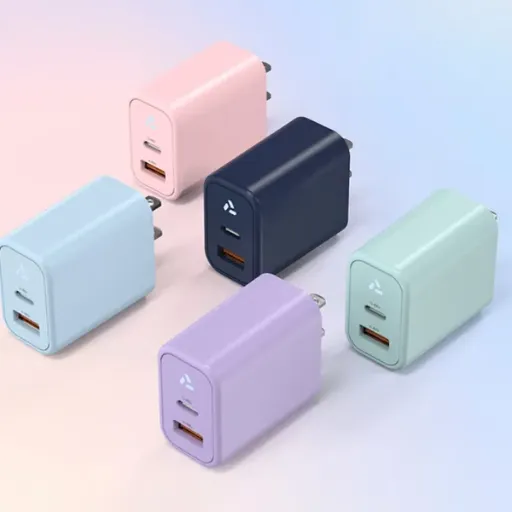 Read More
 -
Does Fast Charging Damage Battery? What OEM Buyers Need to Know
June 22, 2026Yes, fast charging can damage batteries when current exceeds the cell's thermal and electrochemical limits. The damage shows u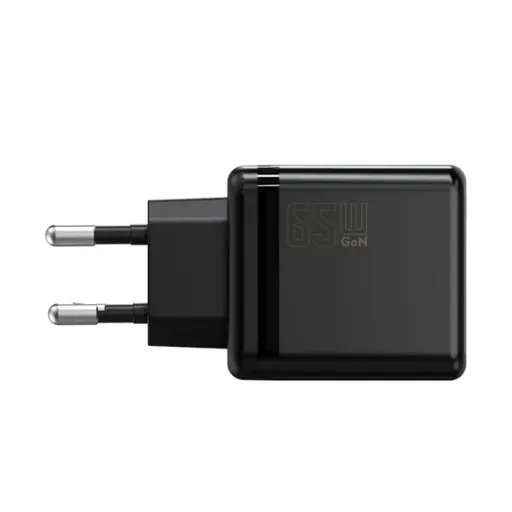 Read More

Contact Us
Recommended Products
-
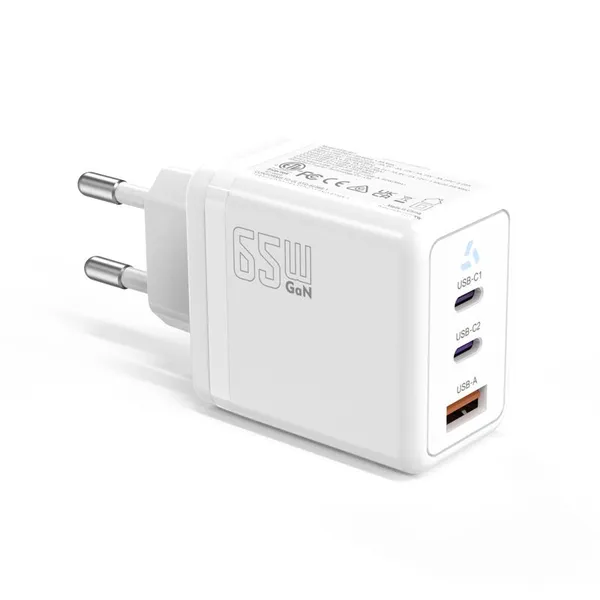
 65W USB-C GaN Wall Charger PD Fast Charging Adapter EU US Plug for Laptop Smartphone and TravelUS$ 6MOQ: 100 Pieces
 -
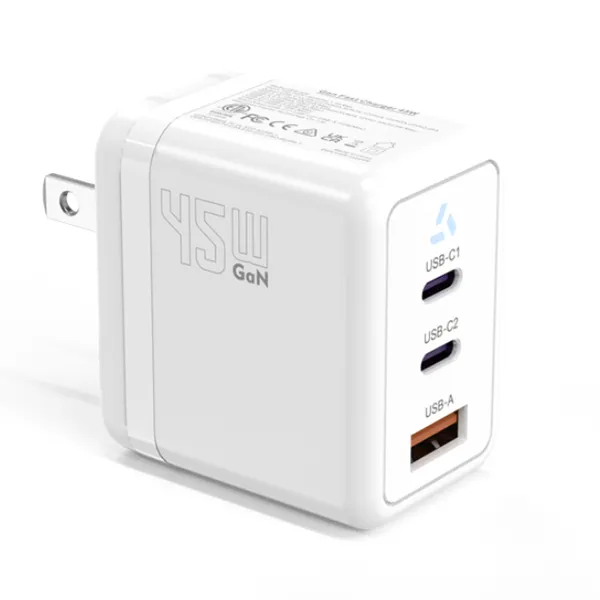
45W GaN USB-C Fast Charger JP Plug PD Wall Charging Adapter for IPhone MacBook and TabletsUS$ 8MOQ: 100 Pieces
-
QC3.0 30W USB Fast Charger With 18W Quick Charge Wall Adapter for Android and Mobile DevicesUS$ 4MOQ: 100 Pieces
-
Compact 18W Quick Charge 3.0 USB Charger 30W Fast Charging Adapter EU US Plug for TravelUS$ 2MOQ: 100 Pieces
-
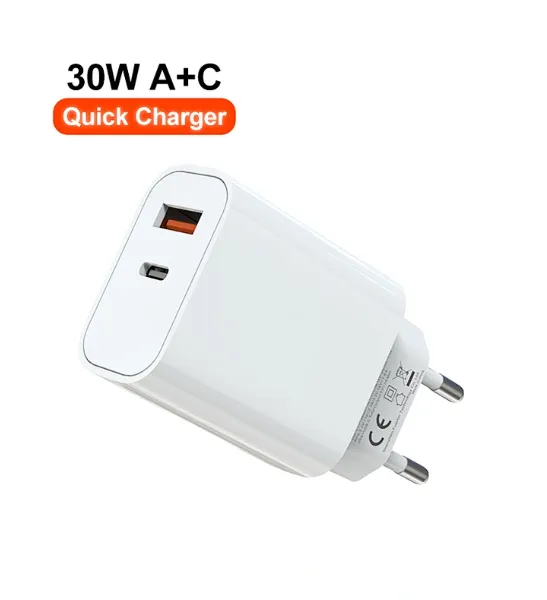
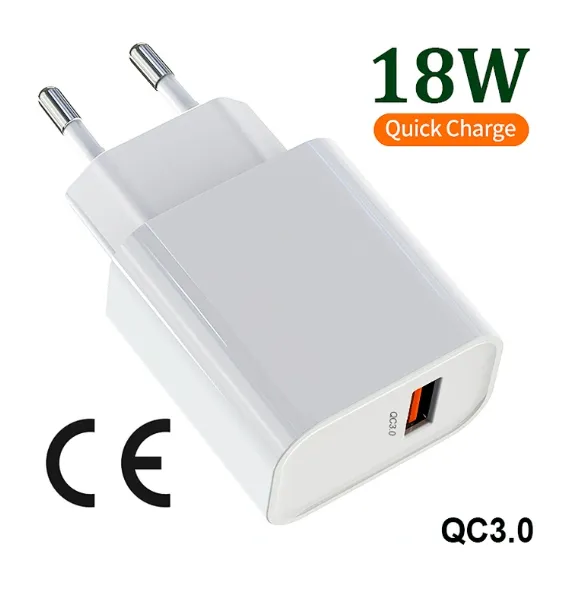
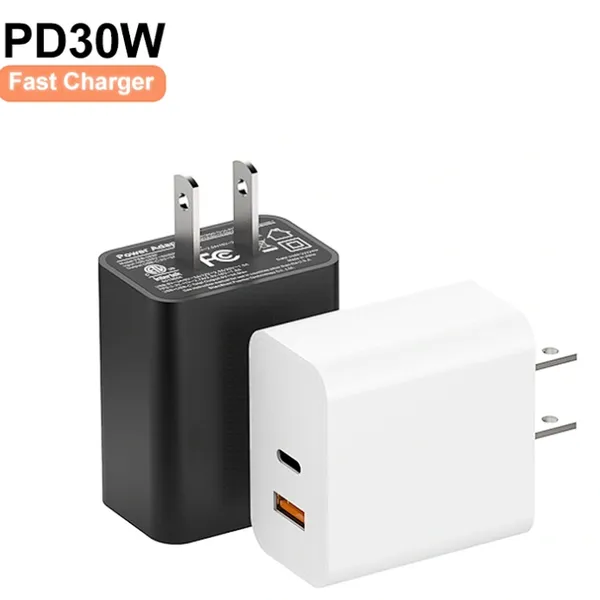
30W USB-C and USB-A PD Fast Charger Compact Wall Adapter for IPhone Samsung and IPadUS$ 3MOQ: 100 Pieces
-
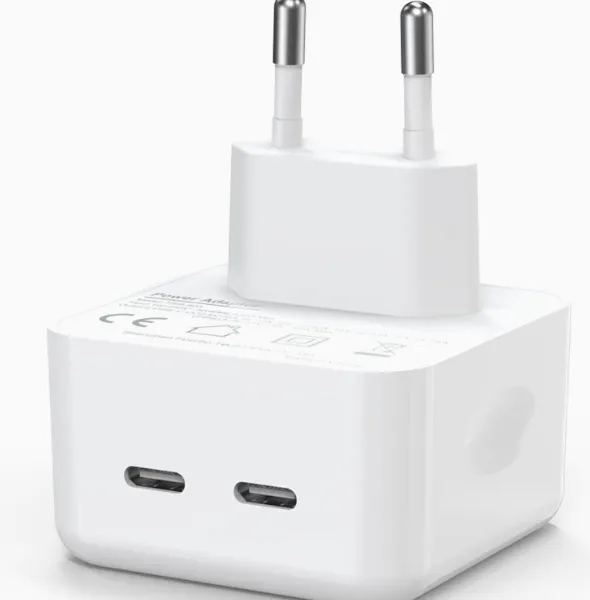
35W Dual USB-C PD Charger Fast Charging Adapter for IPhone Samsung IPad and USB-C DevicesUS$ 3MOQ: 100 Pieces
-
65W USB-C GaN Charger EU Plug Fast Charging Adapter 65W USB-C PD Fast Charge Wall Charger Power Adapter for Macbook ProUS$ 5MOQ: 100 Pieces
-
65W GaN USB-C Fast Charger PD Wall Charging Adapter for Laptop IPhone and Mobile DevicesUS$ 5MOQ: 100 Pieces
-
100W GaN USB-C Fast Charger With PD 3.0 for Laptop, MacBook, IPhone & Multi-Device ChargingUS$ 12MOQ: 100 Pieces
-
45W GaN USB-C Fast Charger EU AU PD Fast Wall Charging Adapter for IPhone Tablets With CE REACH PassedUS$ 8MOQ: 100 Pieces
-
QC3.0 65W GaN USB C Super Fast Charger With UKCA 3 Ports PD 3.0 GaN Charger for Iphone Macbook SamsungUS$ 10MOQ: 100 Pieces
-
30W USB-C and USB-A GaN QC3.0 Fast Charging Adapter PD Fast Charger Compact Wall Adapter for IPhone Samsung and IPadUS$ 3MOQ: 100 Pieces
-
45W GaN USB-C Fast Charger With Dual Type-C and USB-A Ports PD Wall Charging AdapterUS$ 8MOQ: 100 Pieces
-
Dual USB C Ports QC3.0 30W Fast Charger With EU UK AU US USB-C PD Wall Chargeer 30W PD Power AdapterUS$ 3MOQ: 100 Pieces
-
Compact 65W GaN USB-C Wall Charger With Dual USB-C Ports and USB-A Fast Charging Adapter With CE UKCA ETL SAAUS$ 10MOQ: 100 Pieces
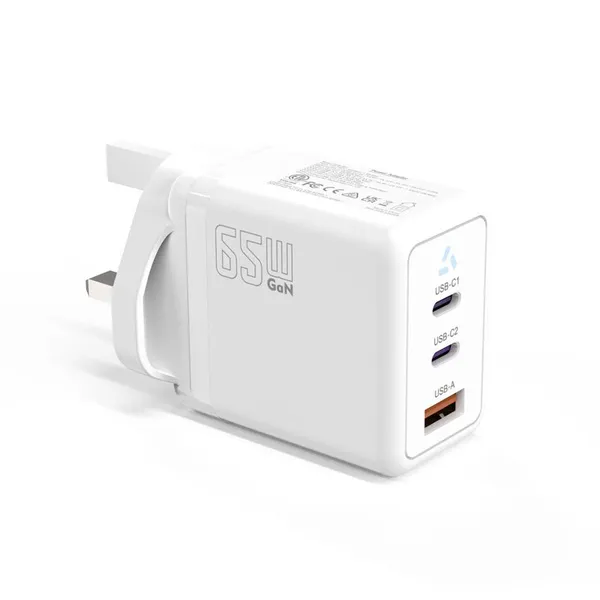
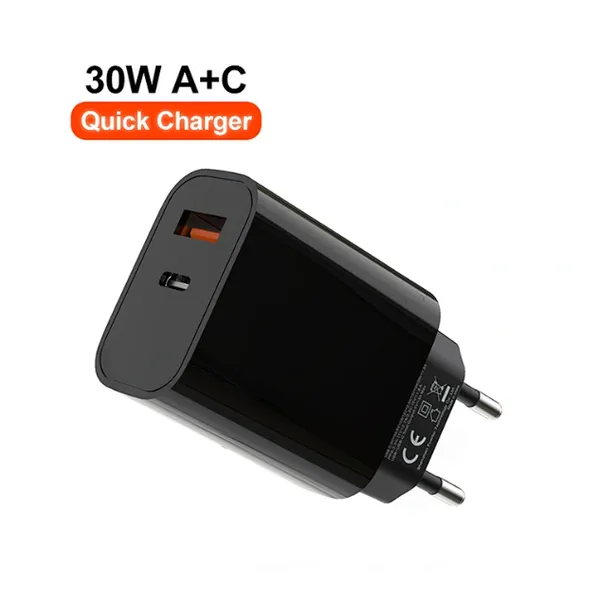
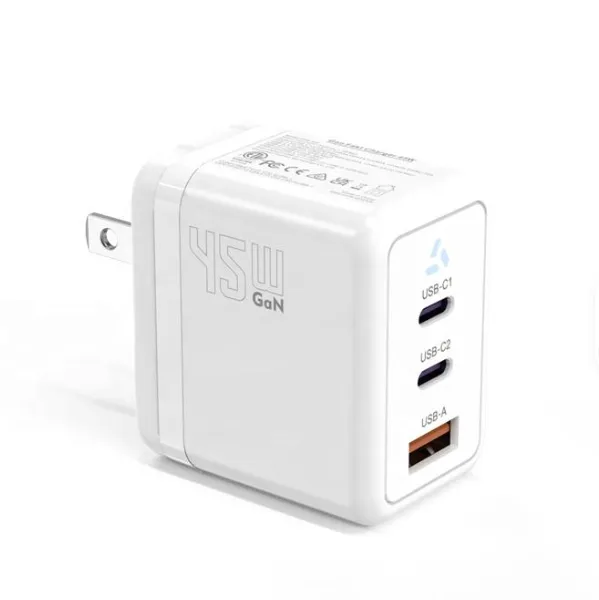
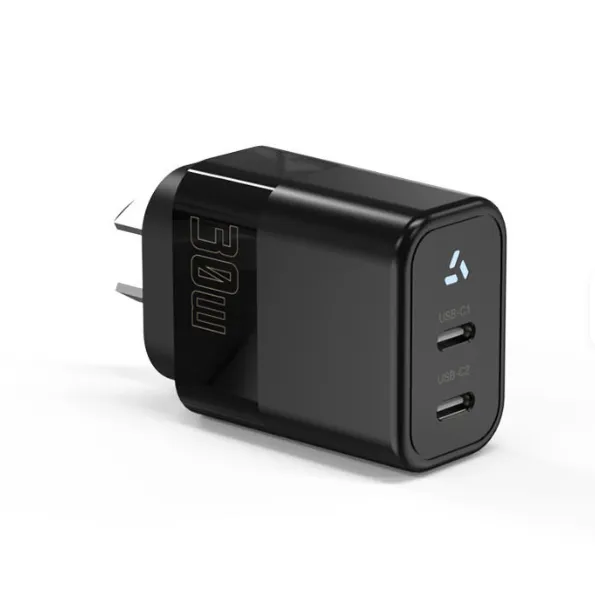
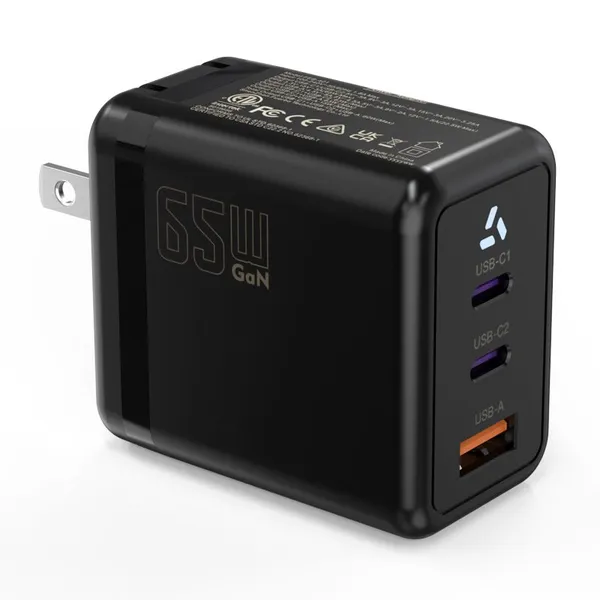
-
QC3.0 Fast Charging Adapter PD30W USB-C USB-A GaN PD Fast Charger PD 3.0 GaN Charger Compact Wall Adapter for IPhone Samsung and IPadUS$ 3MOQ: 100 Pieces
-
12V 5A 60W US EU AC DC Adapter LED Driver LED SMPS AC to DC Switching Power SupplyUS$ 5 - 7MOQ: 50 Pieces
-
CE FCC CUL SAA KC PSE 24Vdc 48W Switching Power Supply AdaptersUS$ 5 - 7MOQ: 50 Pieces
-
CE GS UKCA SAA CUL Qualified Waterproof Switching Power Supply Ip68 PSE UL SAA GS 12V 2AUS$ 3 - 6MOQ: 50 Pieces
-
12V 1A Factory OEM Waterproof AC Adapter for Laser Light Table Lamp ac dc Adaptor With TUV CE GS for EU MarketUS$ 5 - 7MOQ: 50 Pieces