
 Business License
What Is USB-C? A Technical Guide for OEM Power Adapter Buyers
In 2024, a router manufacturer in Rotterdam shipped 50,000 units with barrel-jack power adapters. By Q2 2025, their largest distributor demanded USB-C PD compatibility to align with the EU's common charger directive. The retrofit cost them $87,000 in redesign, re-certification, and delayed market entry. The competitor who had spec'd USB-C from the start captured the shelf space instead.
If you are specifying a power adapter for a product launching in 2026 or beyond, USB-C is no longer a premium feature. It is becoming the default charging interface across consumer electronics, IoT, e-mobility, and even industrial equipment in regulated markets. Understanding what USB-C actually delivers, what USB Power Delivery (PD) means for your product's power budget, and which specifications your adapter must meet will determine whether your product clears customs, satisfies distributors, and stays compatible with the chargers your end users already own.
This guide explains USB-C from an OEM buyer's perspective. We cover the connector, the power protocols, the wattage tiers that matter, and the certifications you need to verify before placing a production order.
The Connector: Why USB-C Replaced Everything Else
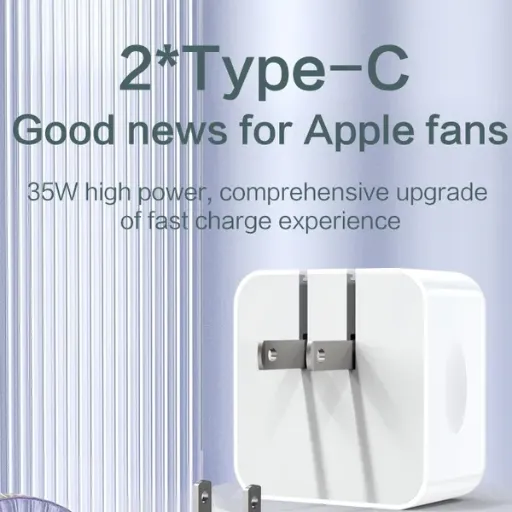
USB-C, also called USB Type-C, is a 24-pin reversible connector standard published by the USB Implementers Forum (USB-IF). Unlike the rectangular USB-A plug or the trapezoidal micro-USB, USB-C is symmetric. It inserts either way up. That alone eliminates the user-friction that drove millions of warranty calls about "broken charging ports."
But the physical shape is the least important part. What matters for OEM buyers is what travels across those 24 pins:
Power: USB-C carries DC power on dedicated VBUS pins, configurable from 5V up to 48V under USB PD Extended Power Range (EPR).
Data: The same cable carries USB 2.0, USB 3.x, or USB4 data at up to 40 Gbps.
Configuration: The CC (Configuration Channel) pins negotiate power direction, role, and capability between the charger and the device.
Alt Mode: USB-C can carry DisplayPort, HDMI, or Thunderbolt signals over the same pins.
For power-adapter buyers, the critical pins are VBUS, GND, and the two CC pins. The CC pins are what make USB-C "smart." When a USB-C charger connects to a device, the CC pins exchange capability information through a protocol called BMC (Biphase Mark Code). The charger announces its maximum voltage and current. The device responds with its requested profile. Only then does the charger output the higher voltage.
Without this negotiation, VBUS defaults to 5V at a safe current. That is why a USB-C charger will not damage a 5V device: the default state is conservative. The higher voltages (9V, 15V, 20V, 28V, 36V, 48V) are only delivered after both sides agree.
Want to see how USB-C PD adapters differ from traditional barrel-jack supplies? Browse our AC/DC power adapter range and request a USB-C PD sample configured to your voltage and wattage spec.
USB Power Delivery (PD): The Protocol That Matters
USB Power Delivery is a charging protocol that runs over USB-C's CC lines. It is separate from the USB data standard. A USB-C port can support USB PD without supporting USB 3.0 data speeds, and vice versa. For adapter buyers, PD is what turns a simple 5V USB charger into a scalable power supply that can charge a phone, a laptop, or even a small e-bike battery from the same port.
How PD Negotiation Works
When a USB-C PD charger and device connect, this happens in milliseconds:
The source (charger) advertises its Source Capabilities on the CC line: a list of voltage/current pairs it can deliver.
The sink (device) reads this list and selects a profile that matches its needs.
The sink requests that profile via a Request Message.
The source accepts, and VBUS transitions to the agreed voltage.
If the sink requests a profile the source cannot deliver, the source rejects the request. The sink then tries the next lower profile. The negotiation continues until both sides agree or the connection falls back to 5V.
This bidirectional negotiation is what makes USB-C PD safe across a wide range of devices. A 100W PD charger will happily deliver 5V at 1A to a small IoT sensor because the sensor only requested that profile. It will only ramp to 20V at 5A when a laptop explicitly asks for it.
Standard Power Range (SPR) vs Extended Power Range (EPR)
USB PD divides power delivery into two ranges:
| Range | Max Voltage | Max Current | Max Power | Typical Applications |
|---|---|---|---|---|
| SPR (Standard Power Range) | 20V | 5A | 100W | Phones, tablets, laptops, monitors |
| EPR (Extended Power Range) | 48V | 5A | 240W | Gaming laptops, e-bikes, industrial equipment |
SPR has been in the market since USB PD 2.0 and covers the vast majority of consumer electronics. EPR was introduced in USB PD 3.1 and is still rolling out across charger and cable ecosystems.
For OEM buyers, the key question is: what power range does your product actually need? A 15W router does not benefit from an EPR adapter. A 150W portable power station cannot function on SPR alone. Specifying the wrong range adds cost, certification complexity, and cable compatibility risk.
Fixed vs Programmable Power Supply (PPS)
USB PD 3.0 introduced PPS, a feature that allows the device to request voltage in fine increments (20mV steps) rather than fixed profiles (5V, 9V, 15V, 20V). PPS is most common in phone fast-charging implementations from Samsung, Xiaomi, and other brands.
For most OEM power-adapter applications, PPS is unnecessary. Fixed voltage profiles are simpler to certify, cheaper to manufacture, and sufficient for IoT, networking, computing, and e-mobility devices. Only specify PPS if your product's battery management system or charge controller explicitly requires it.
Wattage Tiers: What Your Product Actually Needs
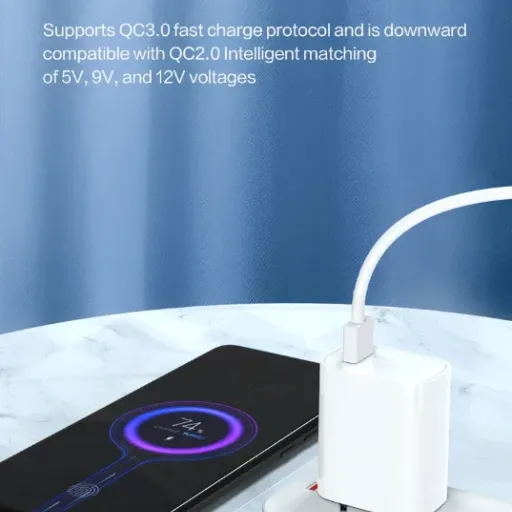
USB-C PD adapters are commonly grouped by wattage tier. Selecting the right tier is one of the first specification decisions an OEM buyer makes.
| Wattage Tier | Typical Voltage/Current | Common Applications |
|---|---|---|
| 15W | 5V at 3A | Small IoT sensors, wearables, basic peripherals |
| 18W | 9V at 2A | Mid-range smartphones, portable speakers |
| 30W | 15V at 2A / 20V at 1.5A | Tablets, small laptops, premium routers |
| 45W | 20V at 2.25A | Ultrabooks, docking stations, large tablets |
| 65W | 20V at 3.25A | Standard laptops, portable monitors |
| 100W | 20V at 5A | High-performance laptops, power stations |
| 140–240W | 28–48V at 5A (EPR) | Gaming laptops, e-bikes, industrial chargers |
When Elena, a product manager at a Berlin-based IoT gateway company, switched her product line from 12V barrel-jack adapters to USB-C PD, she initially spec'd 65W across the board because "that covers everything." The BOM cost increase was 34% per unit. After reviewing actual device draw, she tiered her lineup: 15W for entry sensors, 30W for gateway hubs, and 65W only for the edge-computing node that powered a local display. The average adapter cost dropped 22%, and she still met distributor requirements for USB-C compatibility.
The lesson: match the wattage tier to the actual device draw, plus a 20–30% headroom for peak loads and cable losses. Overspecifying wastes margin. Underspecifying causes brownouts and warranty returns.
USB-C Cables: The Hidden Specification
A USB-C PD adapter is only half the system. The cable determines how much power actually reaches the device. Not all USB-C cables are created equal, and cable incompatibility is one of the most common causes of "slow charging" complaints that land on OEM support desks.
Cable Current Rating
3A cables: Support up to 60W at 20V. Marked with a standard USB-IF logo. No electronic marker.
5A cables: Support up to 100W at 20V. Contain an e-marker chip that communicates current capability to the charger and device.
5A EPR cables: Support up to 240W at 48V. Require a specific EPR-rated e-marker. These are still less common and more expensive.
If your product ships with a cable, specify the current rating explicitly in your BOM. A 100W adapter bundled with a 3A cable will never deliver more than 60W. The end user will not blame the cable. They will blame your product.
Cable Data Speed vs Power
USB-C cables are also categorized by data speed:
USB 2.0: Up to 480 Mbps. Sufficient for power-only applications.
USB 3.2 Gen 1: Up to 5 Gbps.
USB 3.2 Gen 2: Up to 10 Gbps.
USB4: Up to 40 Gbps.
For power-only adapters (no data function), USB 2.0-rated cables are acceptable and cheaper. If your product uses USB-C for both power and data, specify the data grade separately from the power grade.
What USB-C Means for Your Certification Stack
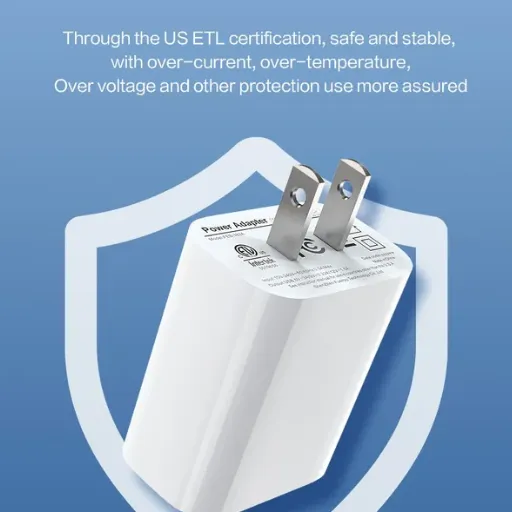
Switching to USB-C PD does not eliminate your existing certification obligations. It adds new ones. Here is what changes:
Safety Certifications
USB-C PD adapters must meet the same safety standards as any AC/DC power supply:
IEC 62368-1: The global safety standard for audio/video and IT equipment. Applies to most USB-C chargers.
UL 62368-1: The U.S. version, required for UL listing.
EN 62368-1 / CE: Required for EU market entry.
UKCA: Post-Brexit UK equivalent.
Because USB-C PD adapters deliver higher voltages (up to 48V) than legacy 5V USB-A chargers, isolation and creepage distances must be verified at the maximum output voltage the adapter can produce, not just at 5V.
Efficiency Regulations
USB-C PD adapters are external power supplies. They fall under the same efficiency regulations as barrel-jack adapters:
DOE Level VI: Mandatory in the United States since 2016.
ErP Tier V: European equivalent.
ENERGY STAR Level V: Optional but increasingly requested by sustainability-focused distributors.
The efficiency calculation is based on average active-mode efficiency across four load points (25%, 50%, 75%, 100%) plus no-load power draw. A USB-C PD adapter must meet these requirements across all advertised voltage profiles, not just at 5V.
At Anenerge, every USB-C PD adapter we ship is tested to DOE Level VI across all output profiles. Test reports are current and traceable to the exact model number on the unit label.
Need current DOE Level VI test reports for your USB-C adapter? Download our certification package or view all certifications to verify compliance for your target markets.
USB-IF Certification
The USB Implementers Forum runs a certification program for USB-C and USB PD products. Certified products are listed in the USB-IF Integrator's List and may use the certified logos.
USB-IF certification is not legally mandatory in the same way UL or CE is. However, many major retailers and distributors require it. If your product targets consumer electronics channels (Amazon, Best Buy, major EU retailers), USB-IF certification is effectively required for market access.
The certification process includes:
Electrical testing at a USB-IF authorized test lab
Protocol testing for PD negotiation compliance
Interoperability testing with reference devices
Logo usage agreement (if applicable)
Lead time for USB-IF certification is typically 4–6 weeks after engineering samples are finalized. Factor this into your product roadmap.
Design Considerations for OEM Buyers
If you are specifying a USB-C PD adapter for your product, here are the engineering decisions that matter most.
Single Port vs Multi-Port
Single-port adapters are simpler, cheaper, and easier to certify. Multi-port adapters (2–4 USB-C ports, or USB-C plus USB-A) require more complex power management:
Power budgeting: The adapter must dynamically allocate total wattage across ports.
Role swapping: Some ports may act as sources; others as sinks, depending on what is connected.
Thermal design: Multiple ports at full load generate more heat.
For most OEM products, a single-port USB-C PD adapter is the right starting point. Multi-port configurations make sense for docking stations, power strips, and charging hubs.
Fixed Cable vs Detachable
USB-C PD adapters come in two form factors:
Fixed cable: The USB-C cable is permanently attached to the adapter body. Common for lower-wattage phone chargers.
Detachable cable: The adapter has a USB-C receptacle; the cable is separate. Common for laptop chargers and higher-wattage applications.
Detachable cables add flexibility (users can swap cable lengths) but also add a potential failure point (damaged receptacles, incompatible cables). Fixed cables are simpler for the end user but less flexible.
For OEM products, detachable is usually the better choice. It lets you source the adapter and cable separately, reduces SKU complexity if you need multiple cable lengths, and makes field replacement easier.
Enclosure Size and Thermal Management
USB-C PD adapters at 65W and above generate significant heat. GaN (gallium nitride) switching technology has reduced adapter size by 30–40% compared to traditional silicon designs, but thermal management remains critical.
When evaluating samples, measure surface temperature at full load after 30 minutes of operation. IEC 62368-1 specifies maximum touchable surface temperatures (typically 60°C for metal, 70°C for plastic under normal operating conditions). Verify your supplier's thermal test data, not just the datasheet.
Common Mistakes OEM Buyers Make With USB-C
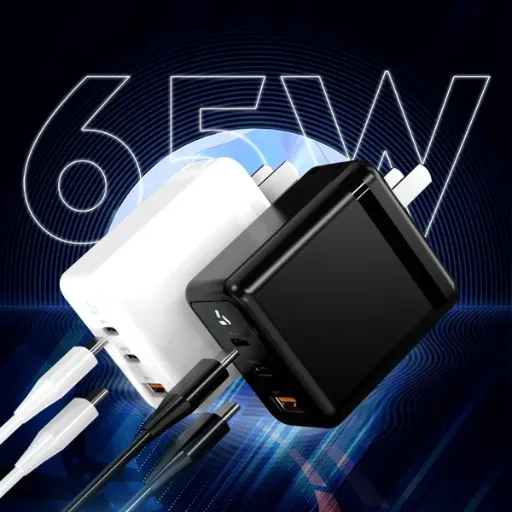
After working with dozens of brand owners transitioning to USB-C PD, we see the same specification errors repeat:
Mistake 1: Confusing USB-C with USB PD. A USB-C connector does not guarantee Power Delivery. Many low-cost USB-C adapters are 5V-only and do not negotiate higher voltages. Verify that the adapter explicitly supports USB PD and lists the voltage profiles it can deliver.
Mistake 2: Ignoring cable certification. Bundling an uncertified cable with a certified adapter can void your product's regulatory compliance. The cable is part of the end system. Certify it too.
Mistake 3: Assuming PD profiles carry across adapter variants. A 30W adapter and a 65W adapter from the same supplier may use different controller ICs and support different PD profiles. Do not assume. Request the full capability list for each SKU.
Mistake 4: Overlooking no-load power for efficiency compliance. DOE Level VI applies at no load. A USB-C PD adapter with active CC-line monitoring may draw more no-load power than a dumb 5V adapter. Verify the no-load figure on the test report.
Mistake 5: Specifying EPR before the ecosystem is ready. EPR chargers and cables are still rolling out. If your product does not genuinely need more than 100W, stay with SPR. It is cheaper, the cable ecosystem is mature, and certification is simpler.
How Anenerge Approaches USB-C PD Adapters
We manufacture USB-C PD adapters across the full SPR range (15W to 100W) with optional EPR configurations up to 140W. Our approach:
We review your device's power budget, voltage requirements, and target markets.
Our engineering team proposes a USB-C PD profile set (e.g., 5V/3A, 9V/3A, 15V/3A, 20V/3.25A for a 65W adapter).
We provide the CC-CV or constant-voltage output curve, efficiency data at each load point, and thermal test results.
Engineering samples ship within 2 weeks for standard profiles, 3–4 weeks for custom configurations.
Production includes 100% functional test, high-voltage isolation test, and efficiency spot-checking.
We ship with current certification documents: UL, CE, UKCA, FCC, DOE Level VI, and optional USB-IF.
Our standard USB-C PD platform covers 18W, 30W, 45W, 65W, and 100W in wall-mount and desktop form factors. Custom profiles, GaN options, and branded enclosures are available under our OEM program.
When a Shenzhen-based smart-home brand approached us in late 2024, they needed a 30W USB-C PD adapter to power a new line of Wi-Fi 7 mesh routers. Their previous supplier had shipped 5V-only adapters that triggered constant "slow charging" complaints from users who plugged the routers into 65W laptop chargers expecting faster performance. The routers were not PD-compliant, so the negotiation never happened.
We designed a 30W PD adapter with profiles at 5V, 9V, and 15V. The router's power management IC selected 15V at 2A, reducing cable losses and improving efficiency at the point of load. User complaints dropped to zero. The brand's distributor in Germany accepted the product without modification because the adapter already carried CE, UKCA, and ErP Tier V marks. The entire project, from spec review to sample approval, took 19 days.
Next Steps
USB-C is not a trend. It is a structural shift in how DC power is delivered to devices. For OEM buyers, the question is no longer whether to adopt USB-C, but how to specify it correctly for your product, your markets, and your cost targets.
If you are evaluating USB-C PD adapters for a product launch, here is what to prepare before contacting any supplier:
Device power budget: What voltage and current does your product draw at steady state and peak load?
Target PD profiles: Which voltage/current combinations must the adapter support?
Cable requirements: Will you bundle a cable? What current rating and data speed?
Market list: Which countries and certifications do you need?
Volume and timeline: What is your pilot quantity, production ramp, and hard launch date?
With this information, Anenerge's engineering team can propose a USB-C PD adapter specification, share efficiency and thermal data, and deliver a sample within 2 weeks.
Recently Posted
-
Why Is My Phone Charging Slowly? Causes and Fixes
June 22, 2026At 7:45 a.m., Maya plugged her phone into the charger she grabbed from the hotel nightstand. By 8:30, the battery had climbed from Read More
 -
Fast Charging vs Normal Charging: OEM Engineering Guide
June 22, 2026Last year, a European e-bike brand shipped 5,000 units with a 4A fast charger as a premium upgrade. Six months later, their warran Read More
 -
How to Make Charging Faster: A Technical Guide for OEM Brand Owners
June 22, 2026When Elena, product manager at a Rotterdam e-bike brand, launched her 48V commuter line in spring 2026, she thought 6 hours on a s Read More
 -
Does Fast Charging Damage Battery? What OEM Buyers Need to Know
June 22, 2026Yes, fast charging can damage batteries when current exceeds the cell's thermal and electrochemical limits. The damage shows u Read More

Contact Us
Recommended Products
-
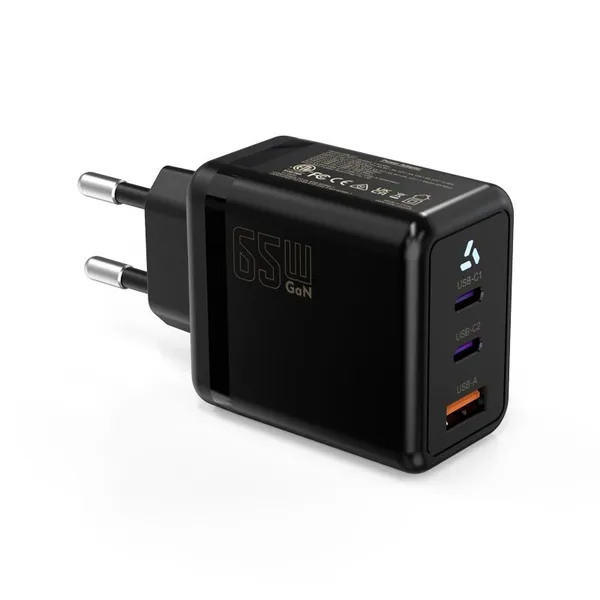
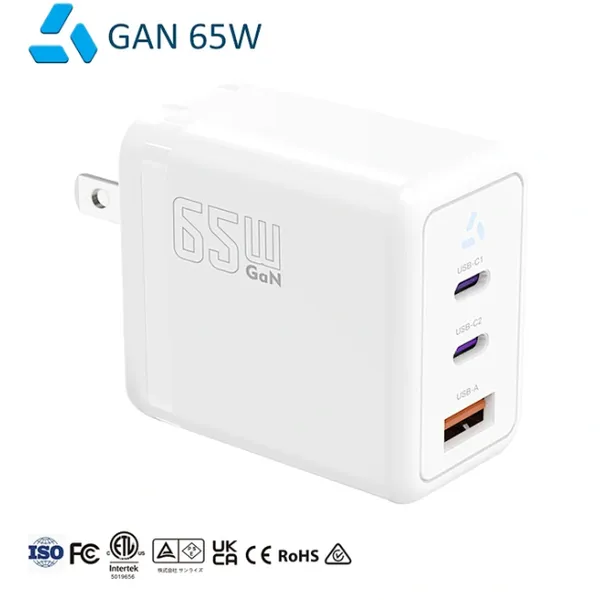
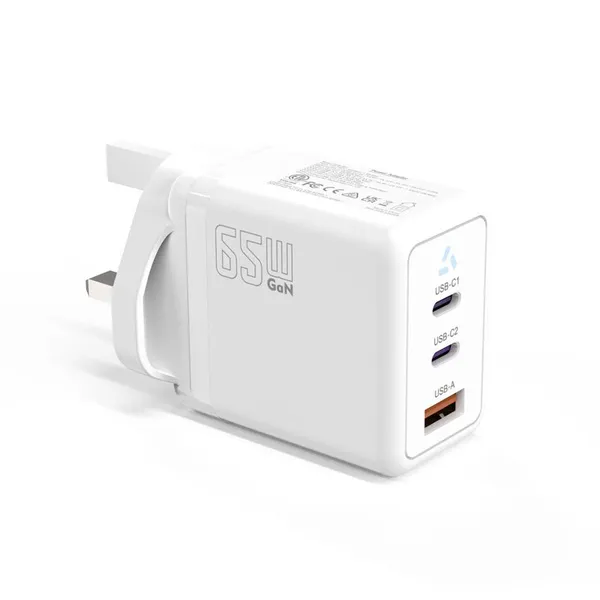
 65W USB-C GaN Wall Charger PD Fast Charging Adapter EU US Plug for Laptop Smartphone and TravelUS$ 6MOQ: 100 Pieces
 -
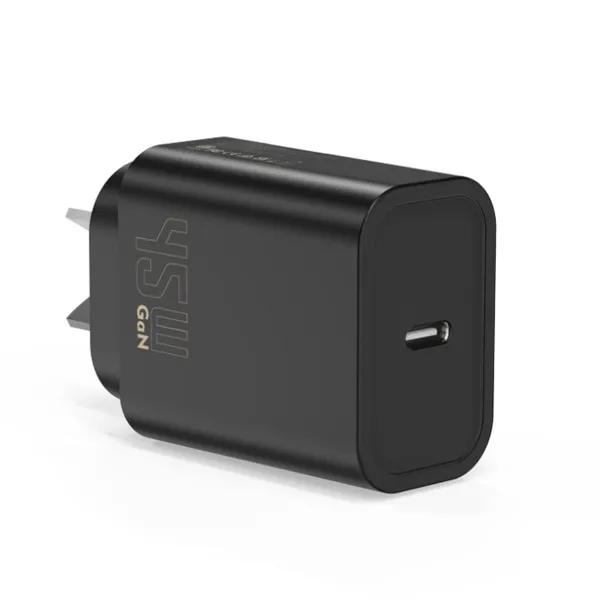
45W GaN USB-C Fast Charger JP Plug PD Wall Charging Adapter for IPhone MacBook and TabletsUS$ 8MOQ: 100 Pieces
-
QC3.0 30W USB Fast Charger With 18W Quick Charge Wall Adapter for Android and Mobile DevicesUS$ 4MOQ: 100 Pieces
-
Compact 18W Quick Charge 3.0 USB Charger 30W Fast Charging Adapter EU US Plug for TravelUS$ 2MOQ: 100 Pieces
-
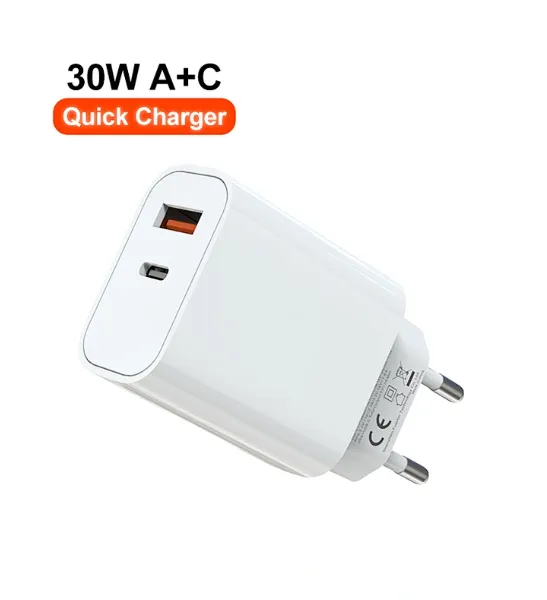
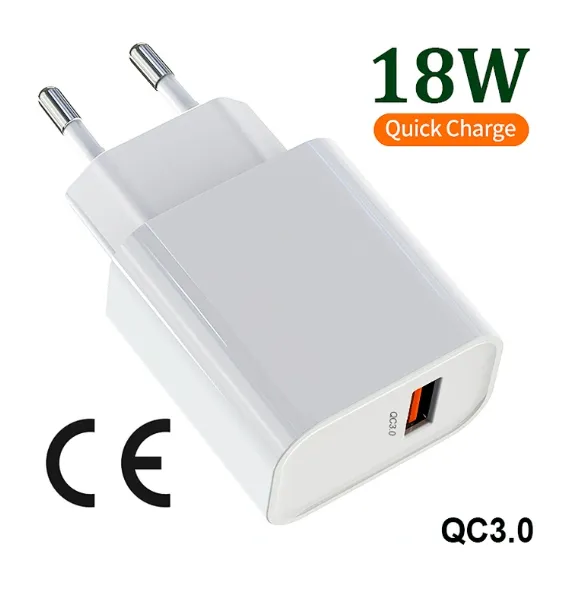
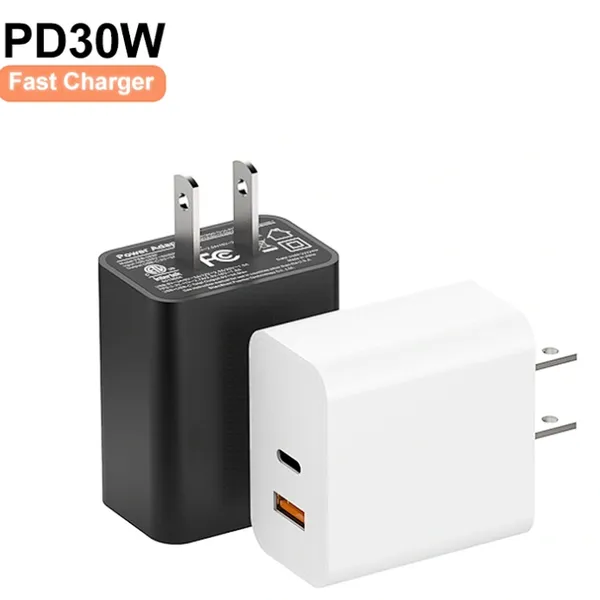
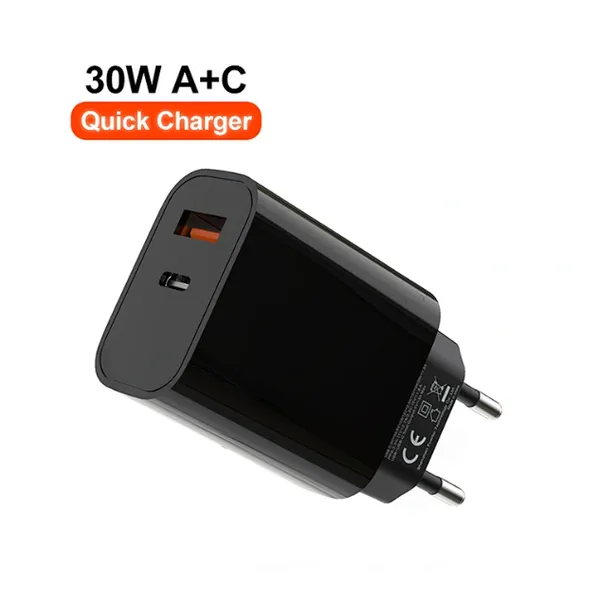
30W USB-C and USB-A PD Fast Charger Compact Wall Adapter for IPhone Samsung and IPadUS$ 3MOQ: 100 Pieces
-
35W Dual USB-C PD Charger Fast Charging Adapter for IPhone Samsung IPad and USB-C DevicesUS$ 3MOQ: 100 Pieces
-
65W USB-C GaN Charger EU Plug Fast Charging Adapter 65W USB-C PD Fast Charge Wall Charger Power Adapter for Macbook ProUS$ 5MOQ: 100 Pieces
-
65W GaN USB-C Fast Charger PD Wall Charging Adapter for Laptop IPhone and Mobile DevicesUS$ 5MOQ: 100 Pieces
-
100W GaN USB-C Fast Charger With PD 3.0 for Laptop, MacBook, IPhone & Multi-Device ChargingUS$ 12MOQ: 100 Pieces
-
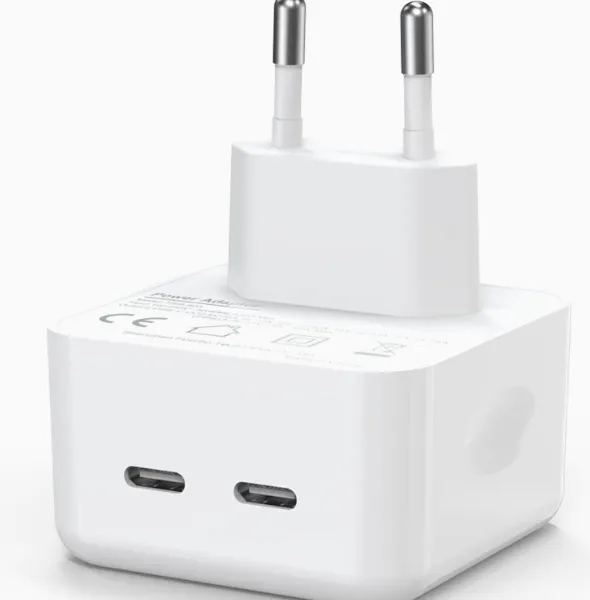
45W GaN USB-C Fast Charger EU AU PD Fast Wall Charging Adapter for IPhone Tablets With CE REACH PassedUS$ 8MOQ: 100 Pieces
-
QC3.0 65W GaN USB C Super Fast Charger With UKCA 3 Ports PD 3.0 GaN Charger for Iphone Macbook SamsungUS$ 10MOQ: 100 Pieces
-
30W USB-C and USB-A GaN QC3.0 Fast Charging Adapter PD Fast Charger Compact Wall Adapter for IPhone Samsung and IPadUS$ 3MOQ: 100 Pieces
-
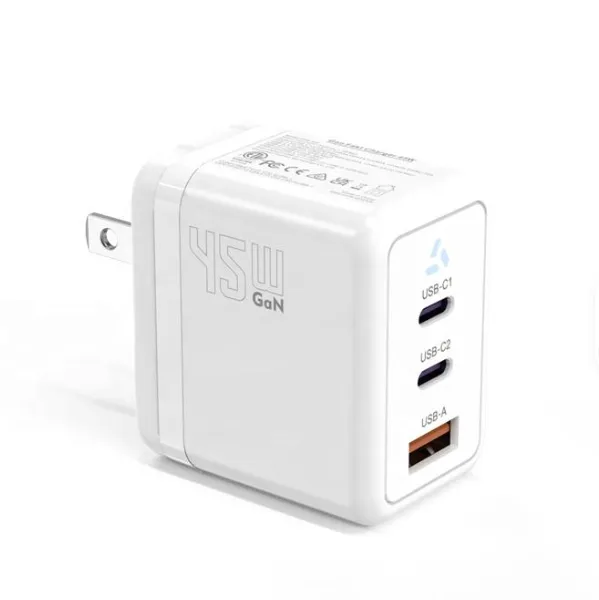
45W GaN USB-C Fast Charger With Dual Type-C and USB-A Ports PD Wall Charging AdapterUS$ 8MOQ: 100 Pieces
-
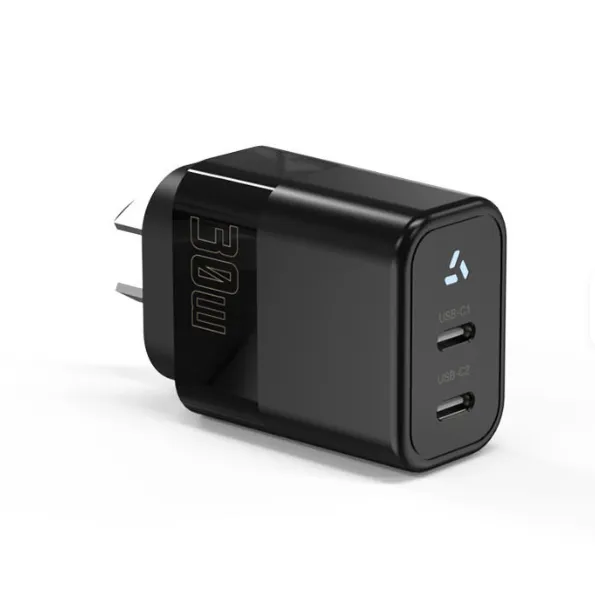
Dual USB C Ports QC3.0 30W Fast Charger With EU UK AU US USB-C PD Wall Chargeer 30W PD Power AdapterUS$ 3MOQ: 100 Pieces
-
Compact 65W GaN USB-C Wall Charger With Dual USB-C Ports and USB-A Fast Charging Adapter With CE UKCA ETL SAAUS$ 10MOQ: 100 Pieces
-
QC3.0 Fast Charging Adapter PD30W USB-C USB-A GaN PD Fast Charger PD 3.0 GaN Charger Compact Wall Adapter for IPhone Samsung and IPadUS$ 3MOQ: 100 Pieces
-
12V 5A 60W US EU AC DC Adapter LED Driver LED SMPS AC to DC Switching Power SupplyUS$ 5 - 7MOQ: 50 Pieces
-
CE FCC CUL SAA KC PSE 24Vdc 48W Switching Power Supply AdaptersUS$ 5 - 7MOQ: 50 Pieces
-
CE GS UKCA SAA CUL Qualified Waterproof Switching Power Supply Ip68 PSE UL SAA GS 12V 2AUS$ 3 - 6MOQ: 50 Pieces
-
12V 1A Factory OEM Waterproof AC Adapter for Laser Light Table Lamp ac dc Adaptor With TUV CE GS for EU MarketUS$ 5 - 7MOQ: 50 Pieces