
 Business License
How Does USB PD Work? A Complete Guide to USB Power Delivery
Last month, a product manager at a mid-size e-bike company told us something surprising. His team had spent three weeks debugging a USB-C charging issue on their new battery pack. The pack charged fine at 15W but refused to negotiate higher power. Turns out, their firmware was sending the wrong Power Data Object. One incorrect byte cost them a production delay and nearly $12,000 in rework.
If you have ever plugged in a USB-C cable and wondered why one charger fills your laptop in 45 minutes while another takes four hours, the answer is USB Power Delivery, USB PD for short. USB-C PD charging has become the universal standard for fast charging, and understanding how USB PD works matters whether you design chargers, source power adapters for your brand, or simply want to stop buying the wrong cable.
In this guide, you will learn exactly how USB PD negotiates power between a source and a sink, what the voltage and current rules look like, how Programmable Power Supply (PPS) changes the game, and what to watch for when specifying USB PD chargers for real products. We will cover the protocol layer, the power rules, and the practical decisions that separate a compliant charger from a fire hazard.
What Is USB Power Delivery?
USB Power Delivery is a specification maintained by the USB Implementers Forum (USB-IF). It defines how two USB-connected devices negotiate power transfer over a USB-C cable. Unlike the older USB Battery Charging specification, which maxed out at 7.5W, USB PD can deliver up to 240W under the latest revision.
The key word is "negotiate." USB PD is not just about pushing more watts through a cable. It is a communication protocol. The source (charger) and the sink (device) exchange structured messages to agree on voltage, current, and direction before any significant power flows. This negotiation happens on the Configuration Channel (CC) pin of the USB-C connector, a dedicated wire that exists solely for this handshake.
Why USB PD Matters for Power Product Buyers
For brand owners and procurement teams, USB PD compliance is no longer optional. The European Union's Common Charger Directive requires USB-C charging for all portable electronics by 2026. If your product line includes chargers, adapters, or battery-powered devices, understanding USB PD is now a business requirement, not a technical curiosity.
A charger that claims "USB PD" but fails protocol conformance testing will not pass UL, CE, or UKCA certification. Understanding how does USB PD work at the protocol level is the first step to passing these tests. That means no market access in Europe, North America, or Australia. The specification is free to download from usb.org, but implementing it correctly, and proving it in a test lab, requires engineering depth.
How Does USB PD Work? The Handshake Explained
The USB PD protocol operates in a layered architecture. At the physical layer, it uses the CC line in the USB-C connector. At the protocol layer, it exchanges structured messages called Power Data Objects (PDOs). Here is how USB PD works the moment you plug in a USB-C cable.
Step 1: Cable Detection
When a USB-C cable connects, the source applies a pull-up resistor on its CC pin, and the sink applies a pull-down resistor. The voltage divider this creates tells both parties that a device is attached and whether the cable can carry the required current. A cable marked "5A" has an electronic marker (e-marker) chip that reports its capabilities. Without the e-marker, the current is capped at 3A.
Step 2: Source Capabilities Advertisement
Once the link is established, the source broadcasts its Source Capabilities message. This message contains a set of Power Data Objects, up to seven PDOs under USB PD 3.0. Each PDO describes a power option the source can provide. For example:
PDO 1: 5V at 3A (15W)
PDO 2: 9V at 3A (27W)
PDO 3: 15V at 3A (45W)
PDO 4: 20V at 5A (100W)
The sink reads all available PDOs and decides which one best matches its needs.
Step 3: Request and Accept
The sink sends a Request message back to the source, specifying which PDO it wants and how much current it will draw. The source evaluates the request. If it can supply the requested power, it sends an Accept message, then transitions its output voltage to the agreed level. This transition must complete within a defined time window, typically 275 milliseconds for a voltage change.
Step 4: Power Transfer
With the contract established, power flows. Both devices continue to monitor the CC line for any change requests. The sink can request a different PDO at any time, for example, dropping from 20V to 5V when the battery is nearly full. The source can also send a Hard Reset if something goes wrong.
Step 5: Disconnect and Reset
When the cable is unplugged, the CC line loses its pull-up/pull-down configuration, and both devices reset to their default state. The source drops back to 5V, and the sink stops drawing current.
When Anenerge engineers designed our latest 65W USB PD adapter, the handshake timing was the hardest part to get right. The protocol requires the source to respond within 15 milliseconds of receiving a Request message. Miss that window, and the sink declares a timeout and the negotiation fails. Our test lab runs every unit through a protocol analyzer to verify timing margins, not just the voltage and current numbers.
How Does USB PD Work with Power Rules and Voltage Rails?
Understanding how USB PD works at the voltage level is essential for specifying the right charger. The USB PD specification defines fixed voltage rails and current limits that sources must support. These are called the "standard power rules."
Standard Voltage Levels
USB PD voltage rails are the backbone of the power negotiation process. Under USB PD 3.0 (the most widely deployed version), the fixed voltage rails are:
| Voltage | Max Current (Standard Cable) | Max Current (5A Cable) | Max Power |
|---|---|---|---|
| 5V | 3A | 3A | 15W |
| 9V | 3A | 3A | 27W |
| 15V | 3A | 3A | 45W |
| 20V | 3A | 5A | 100W |
Under USB PD 3.1, the specification added three new voltage ranges:
28V (Extended Range): up to 140W
36V (Extended Range): up to 180W
48V (Extended Range): up to 240W
These higher voltages require cables rated for the increased voltage and current. A standard USB-C cable is rated for 20V maximum. Using it at 48V is a safety violation.
The "Power Rules" Logic
USB PD does not just list random voltage-current combinations. It follows a tiered structure. A source that advertises 20V at 3A (60W) must also advertise 15V, 9V, and 5V at appropriate currents. The rule is: if a source can supply X watts at a higher voltage, it must also be able to supply at least X watts at every lower voltage rail (up to the cable's current rating). This ensures backward compatibility.
For example, a 60W USB PD charger advertising 20V/3A must also offer:
15V at 3A (45W, but the rule requires at least 45W, which it meets)
9V at 3A (27W)
5V at 3A (15W)
This tiered structure is why you see chargers with four or five PDOs listed on their spec sheets. Each one is not optional, the specification mandates them.
How Does USB PD Work with Programmable Power Supply (PPS)?
To understand how USB PD works with PPS, you need to know what changed in USB PD 3.0. In 2017, USB PD 3.0 introduced Programmable Power Supply, or PPS. This was a significant addition that changed how chargers interact with devices that need fine-grained voltage control.
What PPS Does Differently
With standard USB PD, the source switches between fixed voltage rails. If the sink needs 9.5V, it has to accept 9V and the source delivers 9V. There is no in-between.
USB PD PPS represents the most significant advancement in programmable charging. PPS changes this by allowing the sink to request a specific voltage within a defined range, in 20mV steps. A PPS-capable source can supply, for example, any voltage from 3.3V to 21V in 20mV increments. The sink can also request current limits in 50mA steps.
Why PPS Matters for Battery Charging
For devices with lithium-ion or LiFePO4 batteries, understanding how USB PD works with PPS is a game-changer. Battery charging is most efficient when the input voltage closely matches the battery voltage. A fixed 9V input that gets buck-converted down to 4.2V wastes energy as heat. With PPS, the sink can request, say, 4.35V directly from the source, and the conversion efficiency jumps from 85% to over 95%.
This is not a theoretical benefit. Samsung's Super Fast Charging, OPPO's VOOC-based USB PD implementations, and several laptop fast-charging systems all use USB PD PPS to reduce thermal losses and speed up charge cycles.
A brand owner we work with switched their 45W tablet charger from a fixed 15V PDO to a PPS-capable design. The tablet's battery management system could now request voltages within 20mV of the cell voltage. Charge time dropped by 18%, and the charger ran 7 degrees Celsius cooler at full load. The BOM cost increased by $0.40 per unit, a trade-off that paid for itself in fewer warranty claims.
How Does USB PD Work with Different Cables?
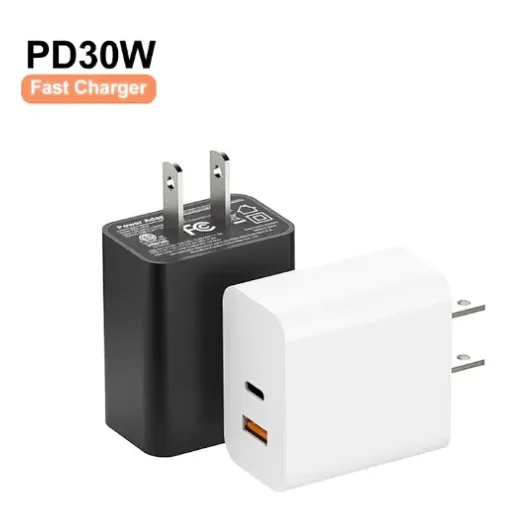
One of the most misunderstood aspects of how USB PD works is the cable. How does USB PD work when the cable becomes the bottleneck? Not all USB-C cables are equal, and using the wrong cable with USB PD can be dangerous.
Cable Ratings
3A cables (passive): The default. No e-marker chip. Rated for up to 60W at 20V.
5A cables (active): Must contain an e-marker chip that identifies the cable's current rating. Required for 100W operation.
USB4 / Thunderbolt cables: Support higher data rates and may also carry the 5A e-marker.
The Cable Problem in the Field
The USB-IF estimates that over 40% of USB-C cables sold online do not meet the published specification. Some claim 100W support but lack the e-marker chip. Others use undersized conductors that overheat at sustained high currents. For a charger manufacturer, this means designing for real-world cable resistance, not just the spec sheet.
At Anenerge, our USB PD adapters include cable compensation logic. When the source detects higher-than-expected voltage drop on the CC line (indicating a resistive cable), it adjusts its output voltage slightly upward to compensate. This is not required by the specification, but it prevents the under-voltage issues that plague cheap cables.
USB PD 3.1: What Changed
Now that you know how USB PD works under version 3.0, here is what changed in 3.1. USB PD 3.1, released in 2021, expanded the specification in three major ways.
Extended Power Range (EPR)
EPR added the 28V, 36V, and 48V rails, pushing the maximum power from 100W to 240W. This enabled USB-C charging for gaming laptops, monitors, and even some desktop peripherals. EPR requires a cable rated for the higher voltage, a standard 20V cable cannot be used.
Adjustable Voltage Supply (AVS)
AVS is similar to PPS but operates in the extended voltage range. It allows 100mV step adjustments between 15V and 48V, giving sinks precise control over input voltage for high-power applications.
Improved Source Timings
USB PD 3.1 tightened the timing requirements for source response. The Source Capabilities message must be sent within 100ms of connection (down from 200ms in some interpretations). This makes the protocol more responsive but also more demanding on firmware.
Common USB PD Implementation Mistakes
Understanding how USB PD works also means knowing how it fails. After reviewing hundreds of charger designs from OEM partners, we see the same mistakes repeatedly.
1. Incorrect PDO Configuration
The most common error. A source advertises a PDO it cannot actually supply. This often happens when a design team copies PDO tables from a reference design without adjusting for their actual power stage. If the source advertises 20V/5A (100W) but the transformer can only sustain 80W, the charger will overheat or shut down under load.
2. Missing Cable E-Marker Support
Some designs skip the e-marker detection logic. Without it, the source cannot know whether the cable is rated for 3A or 5A. The safe default is to limit current to 3A, but this means the charger can never deliver more than 60W, even if it advertises 100W.
3. Poor CC Line Integrity
The CC line carries the USB PD protocol messages. If the PCB layout routes the CC trace near a noisy switching node, the messages become corrupted. The result is intermittent negotiation failures, the charger works sometimes but not always. This is a layout issue, not a firmware issue.
4. Ignoring Thermal Derating
A 65W charger that cannot sustain 65W in a 40-degree Celsius environment is not really a 65W charger. The specification allows thermal derating, but the source must communicate it to the sink by revoking PDOs. Many designs simply shut down instead, which is a poor user experience and a potential safety issue.
How to Verify USB PD Compliance
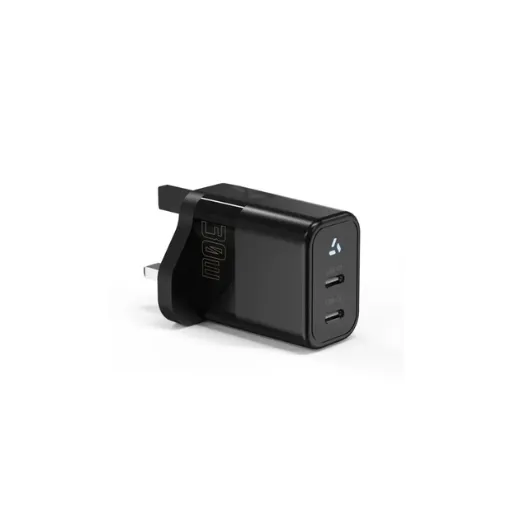
If you need to verify how USB PD works in your product, here is how to verify compliance.
Check USB-IF Certification
The USB-IF maintains a list of certified products at usb.org. A certified product has passed protocol conformance testing and interoperability testing. Non-certified products may work, but they carry higher risk of field failures and regulatory rejection.
Request a Protocol Analyzer Log
Ask your supplier for a capture from a USB PD protocol analyzer (such as the Total Phase USB PD Analyzer or the Ellisys USB Explorer). The log should show:
Correct Source Capabilities message with all PDOs
Proper Request/Accept sequencing
Hard Reset behavior under fault conditions
PPS and AVS messages if applicable
Run the Content Analyzer
For a deeper evaluation of your charger specifications and documentation, run our content analyzer pipeline. It benchmarks your product claims against competitive data and flags specification gaps.
One European brand owner we partner with runs a 72-hour burn-in test on every new charger sample. They connect the charger to a programmable electronic load that cycles through every PDO, holding each for 30 minutes at maximum current. Chargers that pass this test almost never fail in the field. The ones that fail usually show thermal issues at the 20V/5A rail, the most demanding operating point.
How Does USB PD Work to Improve Energy Efficiency?
Understanding how USB PD works reveals that it is not just about speed, it is also about efficiency. The protocol's ability to negotiate precise voltages reduces conversion losses. Under the EU's ErP directive and the U.S. DOE Level VI standard, no-load power consumption for USB PD chargers must be below 0.15W for adapters rated above 49W. Active-mode efficiency requirements are equally strict.
For energy-conscious brands, a well-implemented USB PD charger is a compliance advantage. The negotiation protocol ensures the charger only supplies what the device needs, rather than running at full output constantly.
Conclusion
Understanding how USB PD works is essential for anyone specifying, designing, or sourcing USB-C chargers. USB Power Delivery is a sophisticated protocol that does far more than push watts through a cable. It negotiates, adapts, and protects, but only when implemented correctly.
Here are the key takeaways:
USB PD is a negotiation protocol, not just a power specification. The handshake on the CC line determines everything.
Power rules are mandatory. A source advertising a higher voltage rail must also support all lower rails at appropriate currents.
PPS and AVS enable fine-grained voltage control, which improves charging efficiency and reduces thermal stress on both the charger and the device.
Cable quality matters. A 100W charger with a 3A cable is a 60W charger. Verify e-marker support.
Compliance testing is non-negotiable. USB-IF certification and protocol analyzer logs are your proof of conformance.
If you are sourcing USB PD chargers or designing USB PD into your products, the engineering details matter more than the marketing claims. A charger that negotiates correctly, handles cable resistance gracefully, and sustains its rated power in real-world conditions is worth far more than one that looks good on a spec sheet.
Ready to specify a USB PD charger for your next product? Contact our engineering team to discuss your power requirements, target certifications, and timeline. We will return a sample within two weeks.
Need to verify compliance on existing chargers? See our certification documentation for UL, CE, UKCA, and CB test reports.
Recently Posted
-
Why Is My Fast Charger Not Charging Fast? 7 Technical Reasons Explained
June 8, 2026Last March, a product manager at a Rotterdam e-bike brand called us with a problem we see at least twice a quarter. Their new 48V Read More
 -
What Makes a Fast Charger? A Technical Guide for OEM Buyers
June 8, 2026When the Rotterdam-based e-mobility brand VoltRide switched from 2A to 5A chargers on their 48V e-bike fleet in Q3 2024, customer Read More
 -
USB-A vs USB-C Charging: What OEM Buyers Need to Know
June 8, 2026Your customers plug in a USB-A cable they have used for three years, and their new device takes six hours to charge. They switch t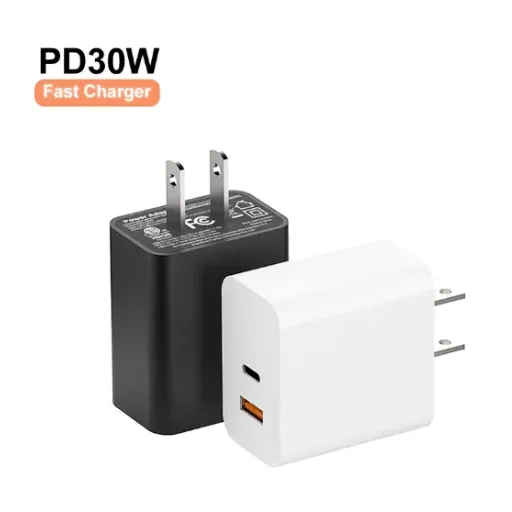 Read More
 -
QC3.0 vs QC4.0: What OEM Buyers Need to Know Before Specifying Fast Charging
June 6, 2026When Raj's team at a Bangalore-based smartphone accessories brand specified QC3.0 adapters for their 2024 power bank line, the Read More

Contact Us
Recommended Products
-
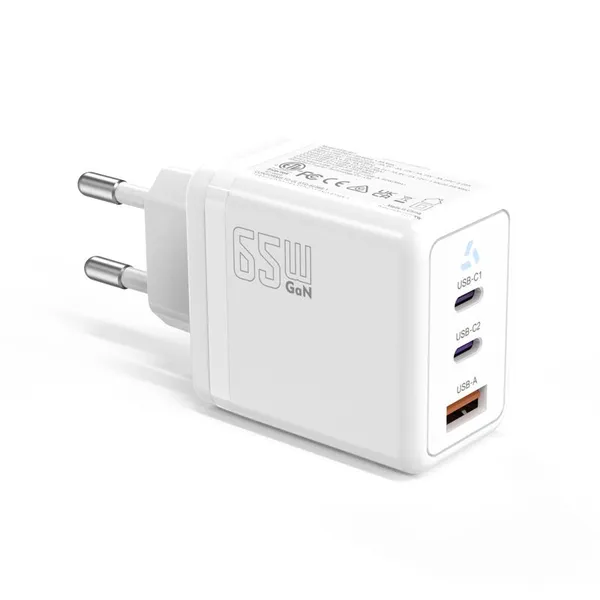
 65W USB-C GaN Wall Charger PD Fast Charging Adapter EU US Plug for Laptop Smartphone and TravelUS$ 6MOQ: 100 Pieces
 -
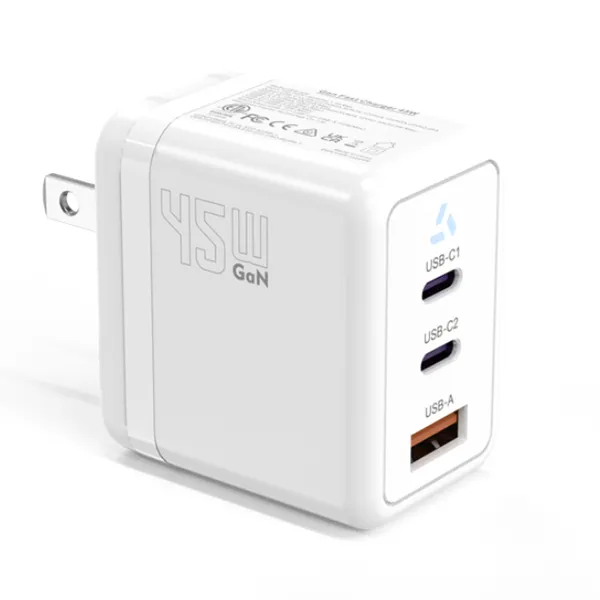
45W GaN USB-C Fast Charger JP Plug PD Wall Charging Adapter for IPhone MacBook and TabletsUS$ 8MOQ: 100 Pieces
-
QC3.0 30W USB Fast Charger With 18W Quick Charge Wall Adapter for Android and Mobile DevicesUS$ 4MOQ: 100 Pieces
-
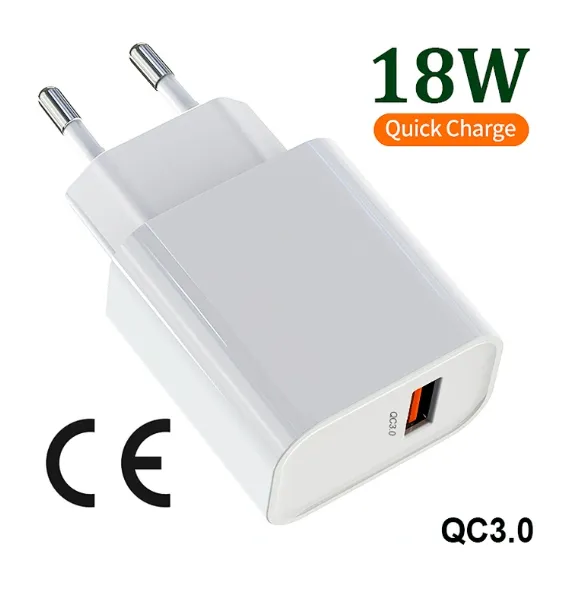
Compact 18W Quick Charge 3.0 USB Charger 30W Fast Charging Adapter EU US Plug for TravelUS$ 2MOQ: 100 Pieces
-
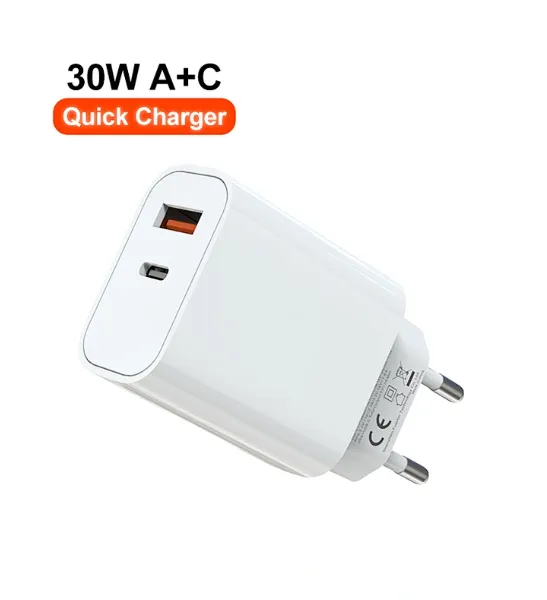
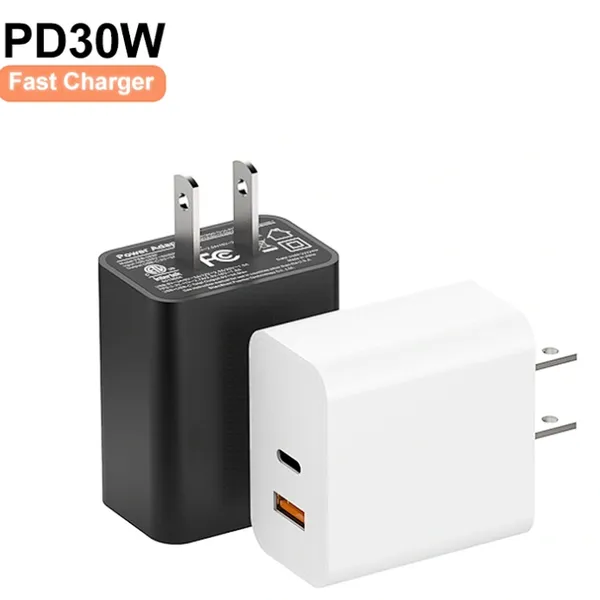
30W USB-C and USB-A PD Fast Charger Compact Wall Adapter for IPhone Samsung and IPadUS$ 3MOQ: 100 Pieces
-
35W Dual USB-C PD Charger Fast Charging Adapter for IPhone Samsung IPad and USB-C DevicesUS$ 3MOQ: 100 Pieces
-
65W USB-C GaN Charger EU Plug Fast Charging Adapter 65W USB-C PD Fast Charge Wall Charger Power Adapter for Macbook ProUS$ 5MOQ: 100 Pieces
-
65W GaN USB-C Fast Charger PD Wall Charging Adapter for Laptop IPhone and Mobile DevicesUS$ 5MOQ: 100 Pieces
-
100W GaN USB-C Fast Charger With PD 3.0 for Laptop, MacBook, IPhone & Multi-Device ChargingUS$ 12MOQ: 100 Pieces
-
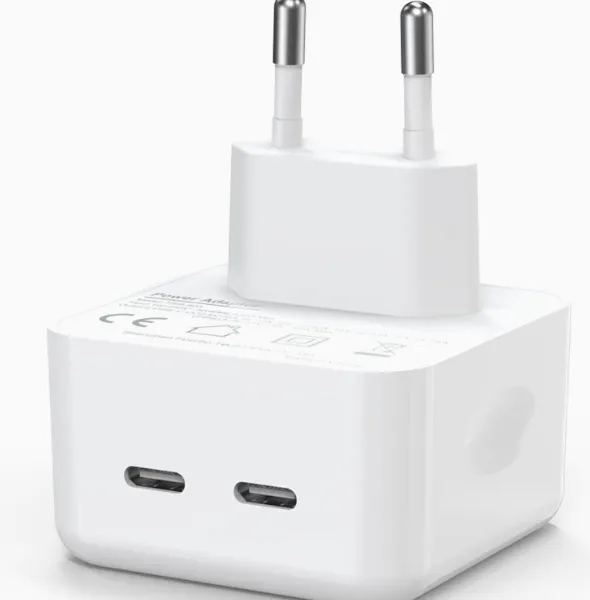
45W GaN USB-C Fast Charger EU AU PD Fast Wall Charging Adapter for IPhone Tablets With CE REACH PassedUS$ 8MOQ: 100 Pieces
-
QC3.0 65W GaN USB C Super Fast Charger With UKCA 3 Ports PD 3.0 GaN Charger for Iphone Macbook SamsungUS$ 10MOQ: 100 Pieces
-
30W USB-C and USB-A GaN QC3.0 Fast Charging Adapter PD Fast Charger Compact Wall Adapter for IPhone Samsung and IPadUS$ 3MOQ: 100 Pieces
-
45W GaN USB-C Fast Charger With Dual Type-C and USB-A Ports PD Wall Charging AdapterUS$ 8MOQ: 100 Pieces
-
Dual USB C Ports QC3.0 30W Fast Charger With EU UK AU US USB-C PD Wall Chargeer 30W PD Power AdapterUS$ 3MOQ: 100 Pieces
-
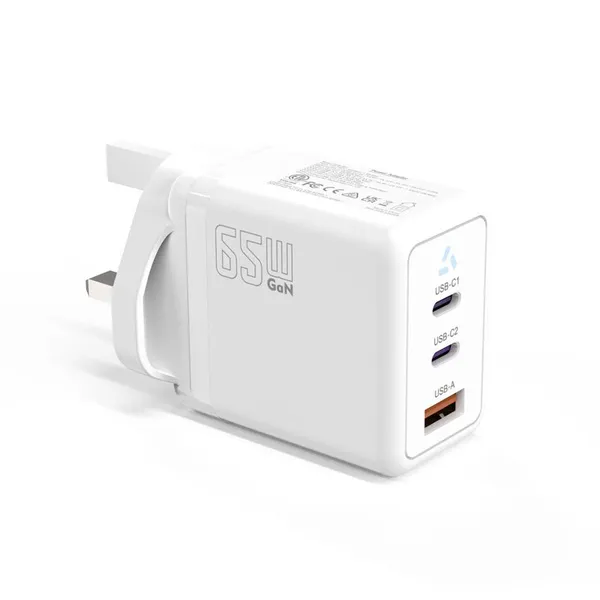
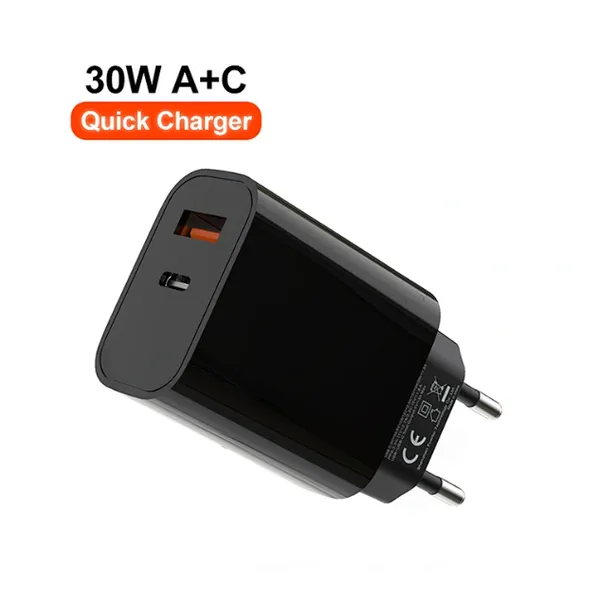
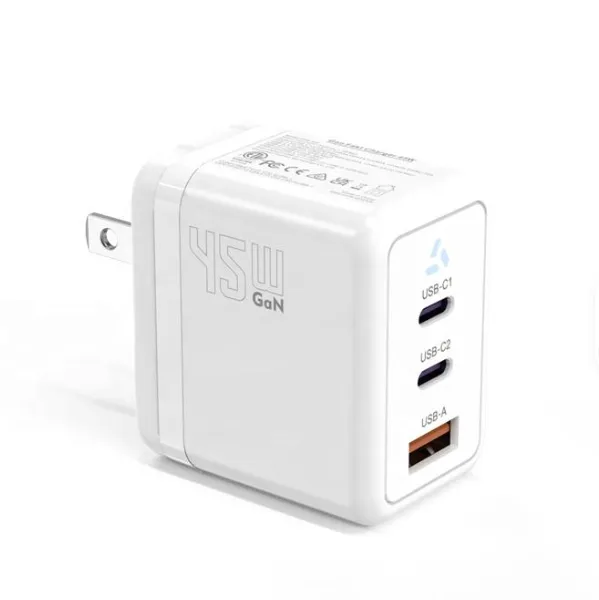
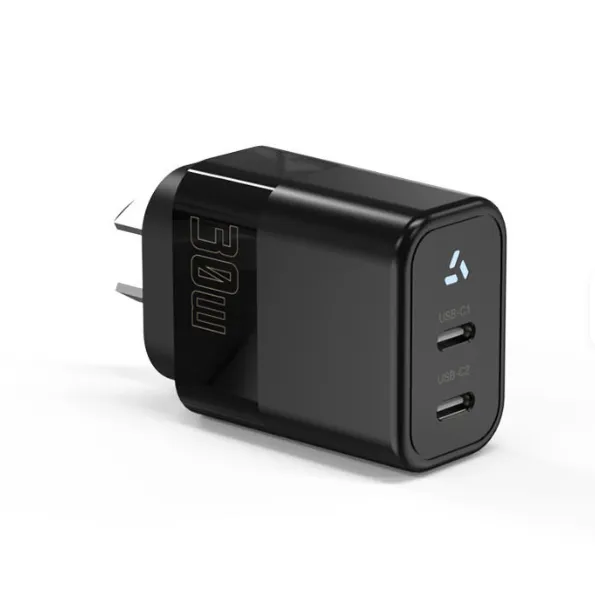
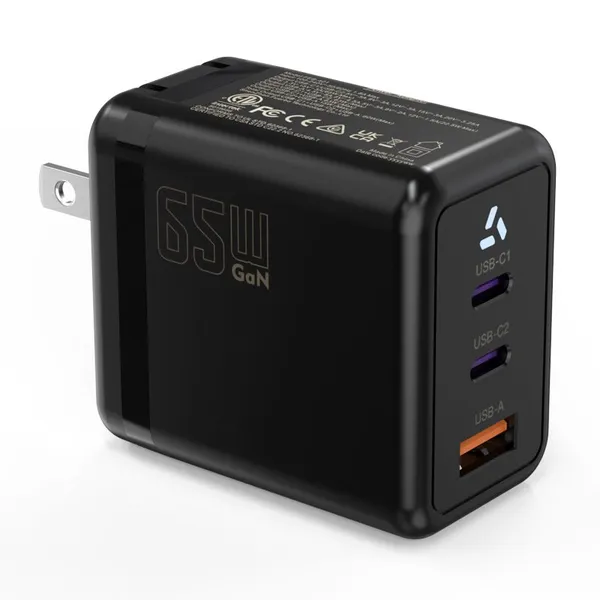
Compact 65W GaN USB-C Wall Charger With Dual USB-C Ports and USB-A Fast Charging Adapter With CE UKCA ETL SAAUS$ 10MOQ: 100 Pieces
-
QC3.0 Fast Charging Adapter PD30W USB-C USB-A GaN PD Fast Charger PD 3.0 GaN Charger Compact Wall Adapter for IPhone Samsung and IPadUS$ 3MOQ: 100 Pieces
-
12V 5A 60W US EU AC DC Adapter LED Driver LED SMPS AC to DC Switching Power SupplyUS$ 5 - 7MOQ: 50 Pieces
-
CE FCC CUL SAA KC PSE 24Vdc 48W Switching Power Supply AdaptersUS$ 5 - 7MOQ: 50 Pieces
-
CE GS UKCA SAA CUL Qualified Waterproof Switching Power Supply Ip68 PSE UL SAA GS 12V 2AUS$ 3 - 6MOQ: 50 Pieces
-
12V 1A Factory OEM Waterproof AC Adapter for Laser Light Table Lamp ac dc Adaptor With TUV CE GS for EU MarketUS$ 5 - 7MOQ: 50 Pieces